3 Operation
22
3
Press
or on the navigation key.
4
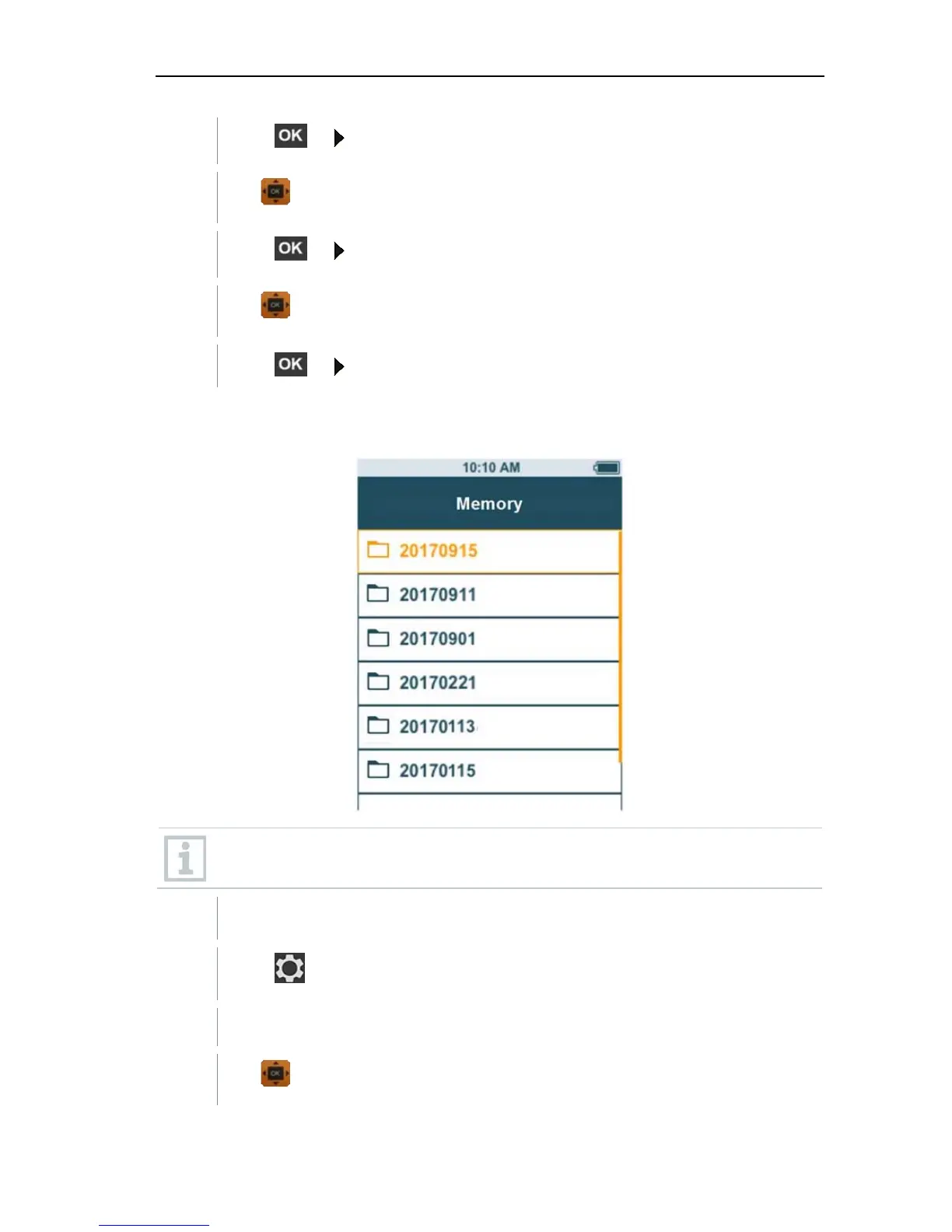
Use to select the required folder.
5
Press or on the navigation key.
6
Use to select the required measurement.
7
Press
or on the navigation key to display measurement results.
Creating and deleting folders
This function can be used to create and delete folders for your measurements.
If you delete a folder, you will also delete the measurements it contains.
You are in the Memory menu [Memory].
1
Press
in the folder view.
The drop-down menu is displayed.
2
Use to select either Create Folder or Delete Folder.



 To Next Page