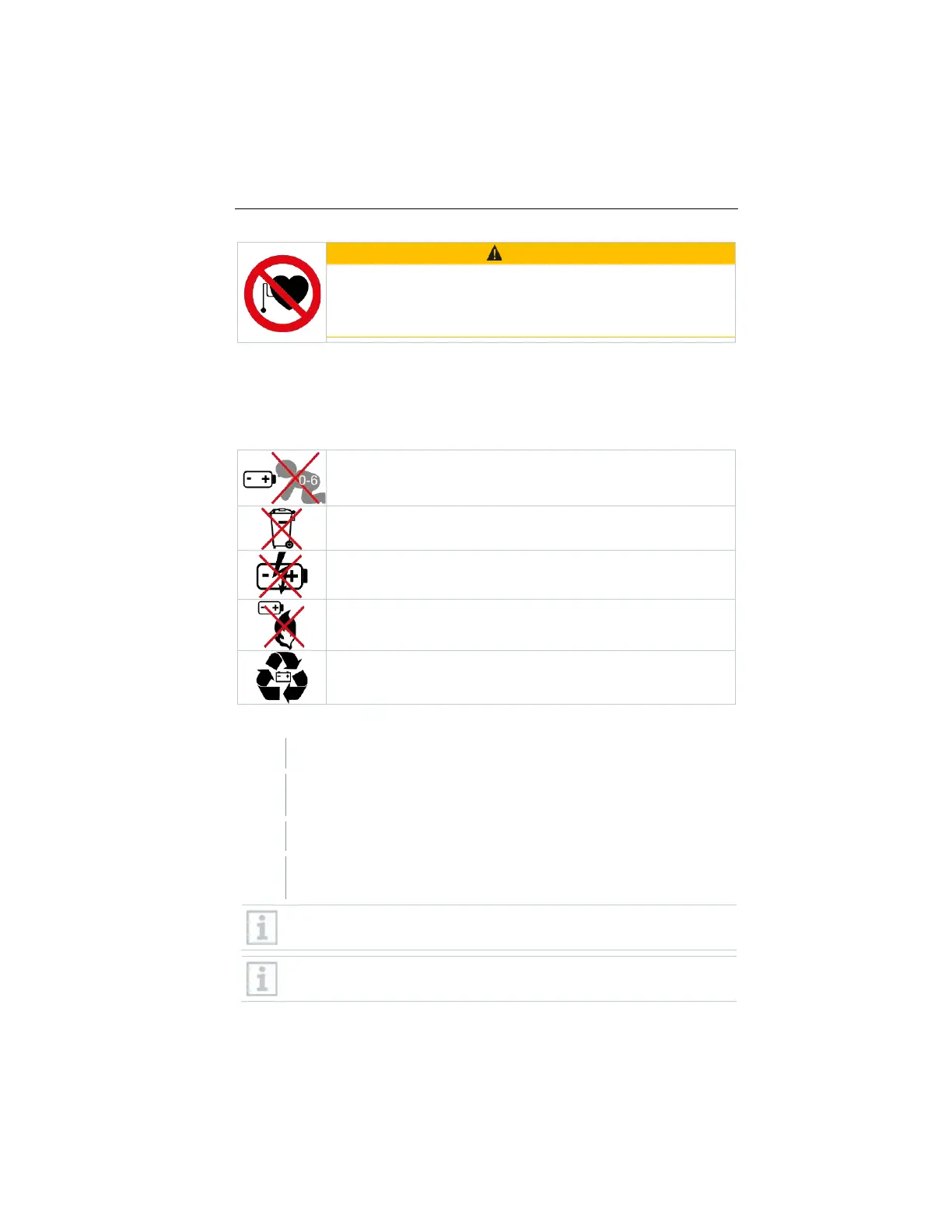
WARNING
Magnetic field
May be hazardous to the health of pacemaker wearers.
- Keep a minimum distance of 15 cm between the
pacemaker and the device.
7 First steps
7.1 Inserting batteries
Symbol explanation
Do not allow children under 6 years of age to play with batteries.
Do not throw batteries in the trash.
Do not place batteries near fire.
Batteries are recyclable.
Inserting batteries in the testo 560i
Open battery compartment.
Insert the batteries (scope of delivery) into the battery compartment.
Observe the polarity!
Close the battery compartment.
After inserting the batteries, the instrument switches on automatically
and is in Bluetooth
®
connection mode.
In Bluetooth
®
connection mode, connection can be established to the
testo Smart App or to a testo 550s or testo 557s manifold.
Do not change or remove batteries during operation, otherwise the
charging process will be interrupted.
www.GlobalTestSupply.com
Find Quality Products Online at: sales@GlobalTestSupply.com



 To Next Page