8 Using the product
15
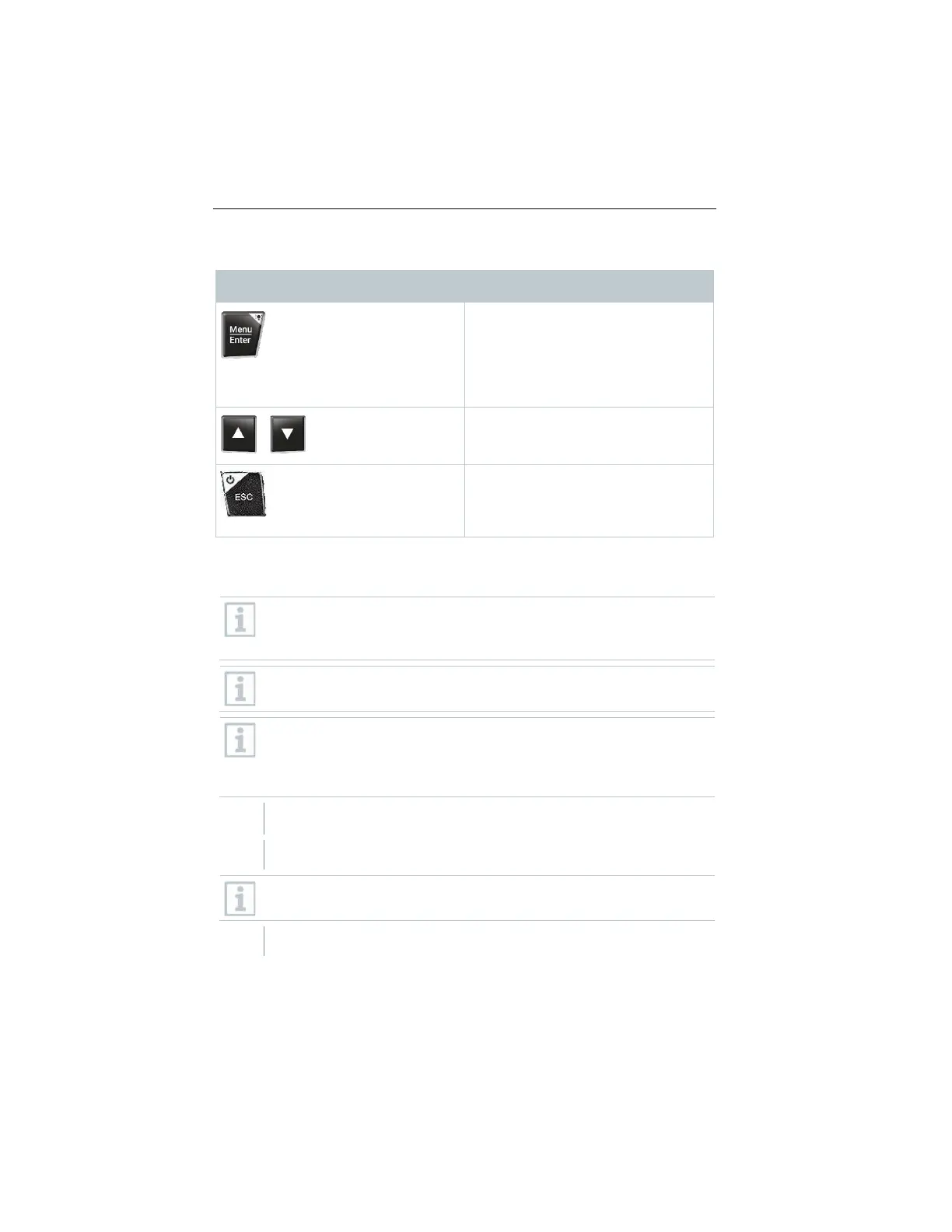
Manifold control keys
- Open menu
- Confirm input
- Switch on the display illumination:
Press and hold the key for >2s
- Switch off the display illumination:
Press and hold the key for >2s
Change/navigate the display screen.
- Switches to the measurement view
- Back to the menu
- Switch off the instrument: Press
and hold the key for >2s
8.2 Connecting the instruments
Before each use, make sure that the refrigerant hoses are in flawless
condition.
Observe the system's maximum permitted operating pressure.
Do not switch on the testo Smart Valve until all hoses have been
attached and the installation is ready for charging.
Protect the testo Smart Valve from vibrations. Otherwise, safe opening
and closing cannot be guaranteed.
If the testo Smart Valve is subjected to a hard impact or a fall, it must
be switched on and off again. Otherwise, the valve position may be lost.
All connections must be pressureless (ambient pressure).
Place refrigerant bottle on scale.
Make sure that there is always enough refrigerant in the bottle so that
the charging process can be carried out correctly.
Connect refrigerant bottle to valve.
www.GlobalTestSupply.com
Find Quality Products Online at: sales@GlobalTestSupply.com



 To Next Page