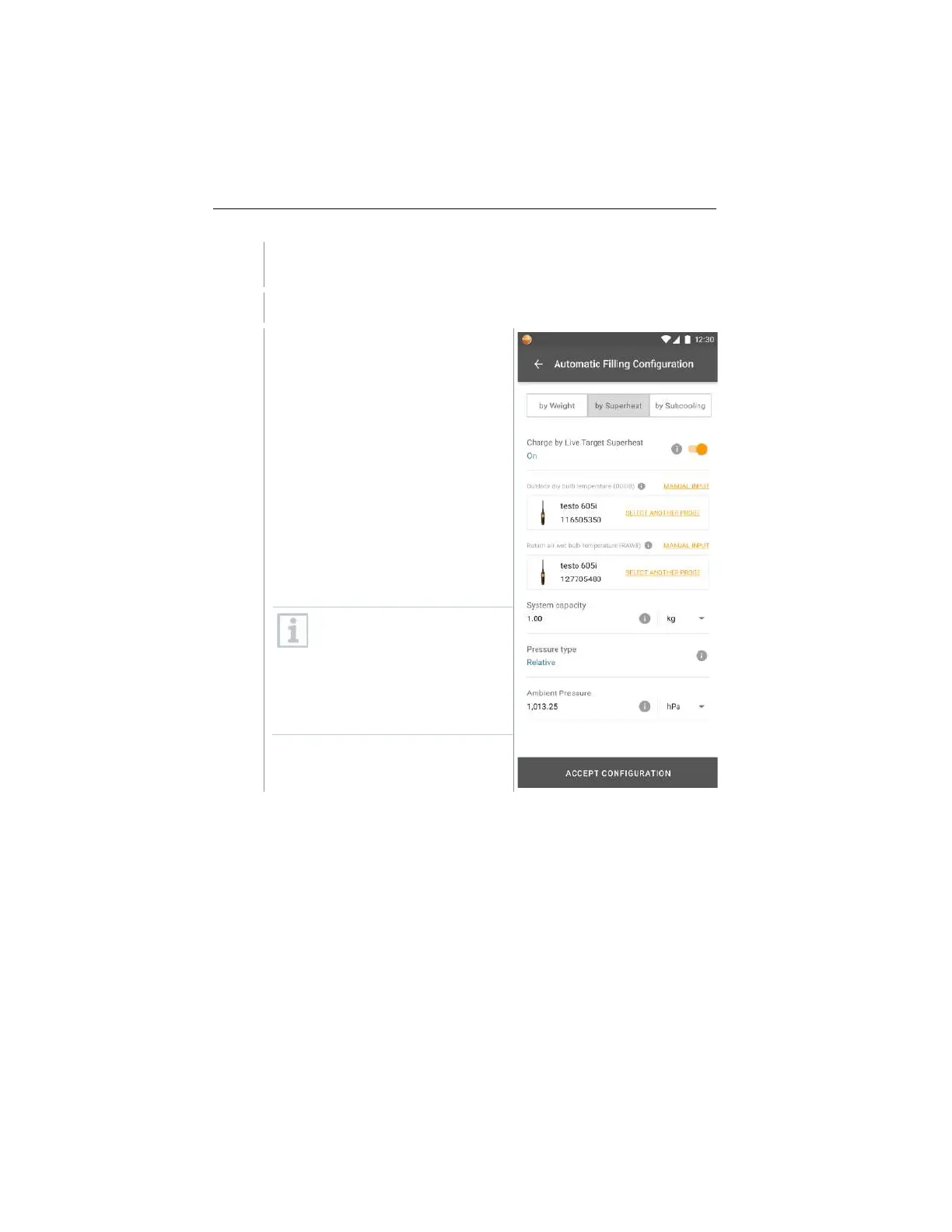
Select the required refrigerant on the manifold/app and press
[Menu/Enter] to confirm.
If necessary, zero sensor on manifold/app [P = 0].
In the manifold/app, enter the
maximum system charge.
Select Live Target Superheat.
Connect two 605i smart probes, one
to outdoor dry bulb and the other to
indoor wet bulb.
Place two 605i smart probes to there
corresponding locations as
configured.
Press [OK] and a target superheat
value will be calculated.
If the target superheat value is
XXX, the method cannot be
used as it is outside the
allowed ambient ranges.
Select manual superheat input
to charge the system by
superheat.
www.GlobalTestSupply.com
Find Quality Products Online at: sales@GlobalTestSupply.com



 To Next Page