4 Product description
17
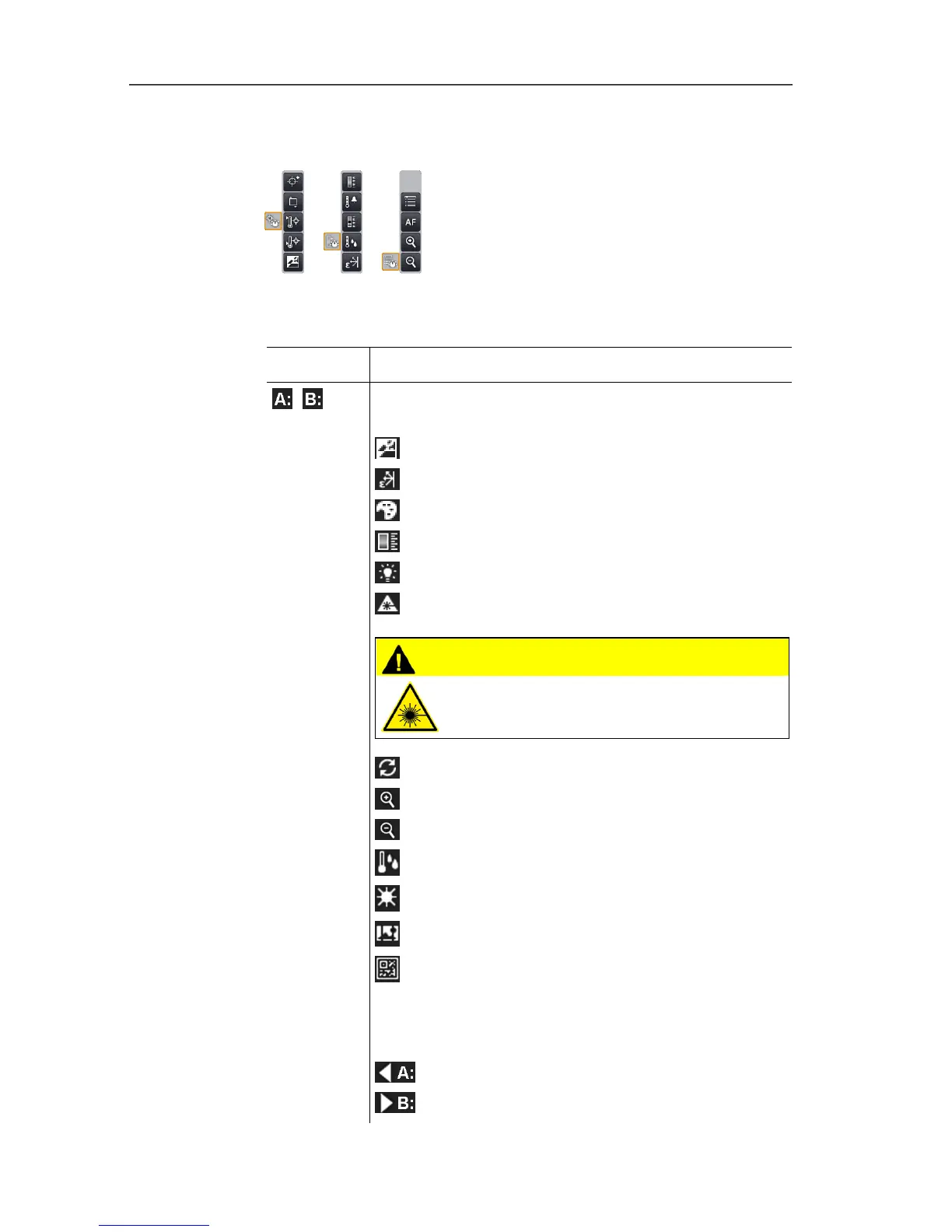
4 Menu bar: the menu bar comprises 3 tabs including buttons for
selecting functions:
Further information is available under Menu bar/tabs, page 31.
5 Status displays:
Display Description
,
Possible shortcut key functions (to change the
assignment, see Configure key, page 56):
: Image type.
: Emissivity.
: Palette.
: Scale.
: Power -LEDs.
: Laser.
CAUTION
Laser radiation! Class 2 laser
> Do not look into the beam.
: Adjustment.
: Zoom in.
: Zoom out.
: Humidity
: Solar
: Image stitching
: Site recognition
When viewing a saved image in the single image
view of the image gallery, the function buttons are
permanently assigned the following functions:
: display previous image.
: display next image.



 To Next Page