5 First steps
23
3. Connect the mains plug to a power socket.
- The imager starts automatically.
The rechargeable battery can be recharged with the imager
switched on or off. This has no effect on the time required
to charge the battery.
- Charging of the battery is started.
- The charge status is indicated by the status LED (3):
• LED flashes: charging in process.
• LED lights: battery charged, charging process finished.
4. Fully charge the battery, then disconnect the instrument from
the mains unit.
- After initial charging of the battery, the imager is ready for use.
A desktop charging station (accessory: 0554 8851) can also be
used to charge the battery.
5.2. Getting to know the product
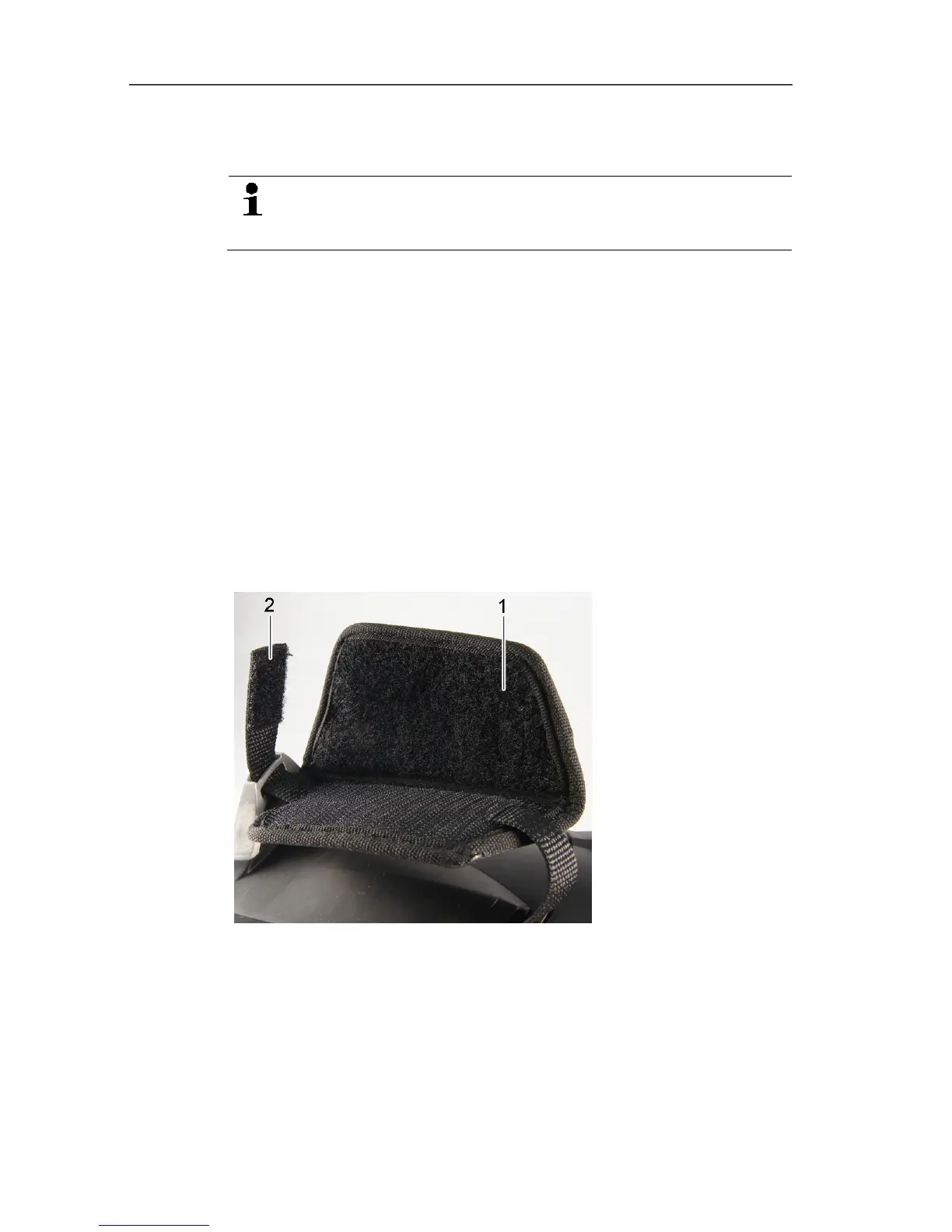
5.2.1. Adjusting the hand strap
> Lay the imager on its left side.
1. Open out the top of the hand strap padding (1).
2. Pull the fastening end of the strap up (2).
3. Put your right hand through the hand strap from the right-hand
side.
4. Adjust the hand strap by loosening/tightening it to fit your hand
and secure the fastening end again.
5. Fold down the top of the hand strap padding.



 To Next Page