5 First steps
22
9. Move [●] left to select
.
10. Press [●] to activate the selection and close the input screen.
11. Move [●] down to select the bottom button
.
12. Press [●] to open the Date input screen.
13. Move [●] up/down to set the values for Day, Month and Year.
To toggle between the parameters, move [●] left/right.
14. Move [●] left to select .
15. Press [●] to activate the selection and close the input screen.
16. Move [●] left to select .
17. Press [●] to activate the selection and close the input screen.
> Hold down [] to close the imager.
5.1.3. Initial charging of the rechargeable battery
The imager is delivered with a partially charged battery. Fully
charge the battery before use.
> Connect the country-specific adapter required for the existing
mains to the mains unit.
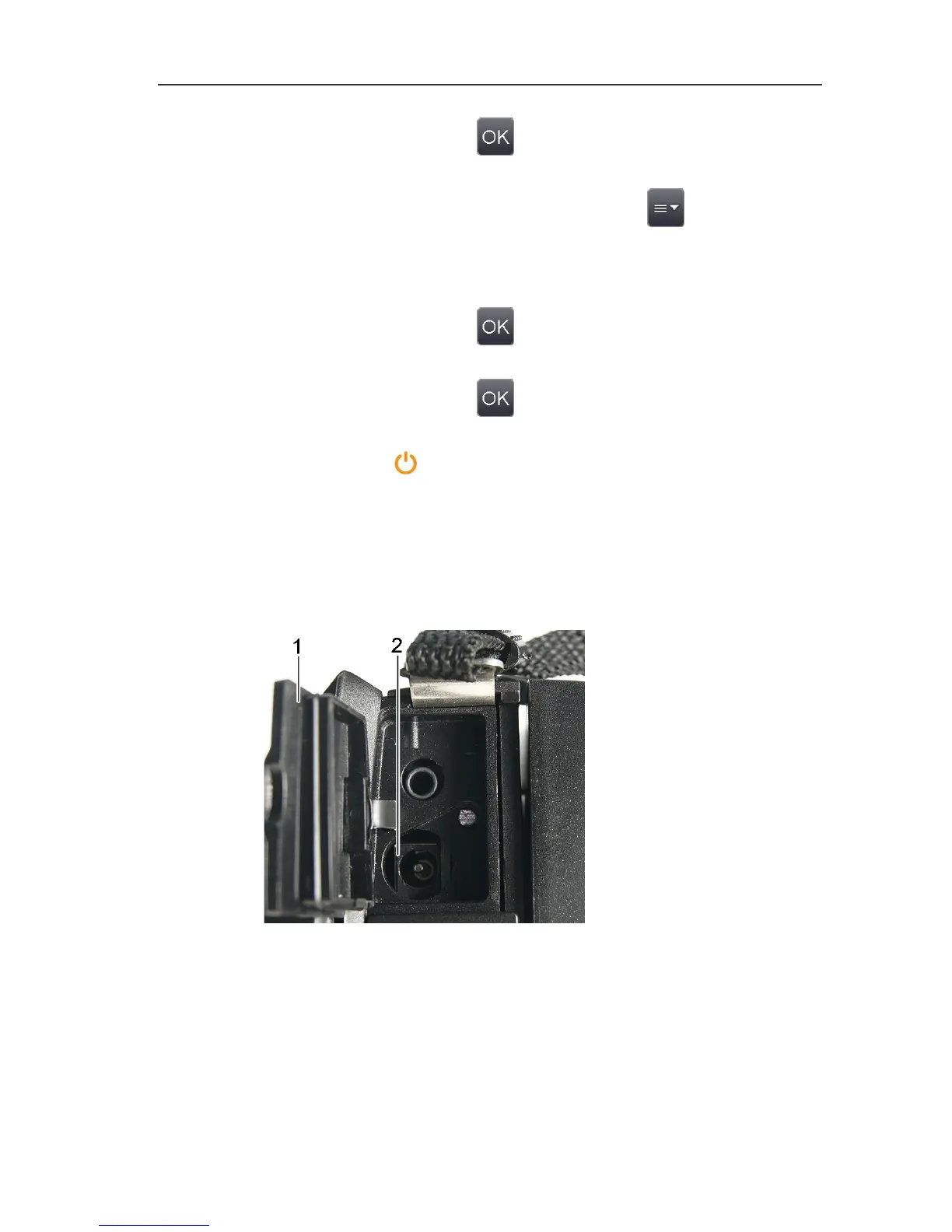
1. Open the cover of the top interface terminal (1).
2. Connect the mains unit to the mains socket (2).



 To Next Page