6 Using the product
33
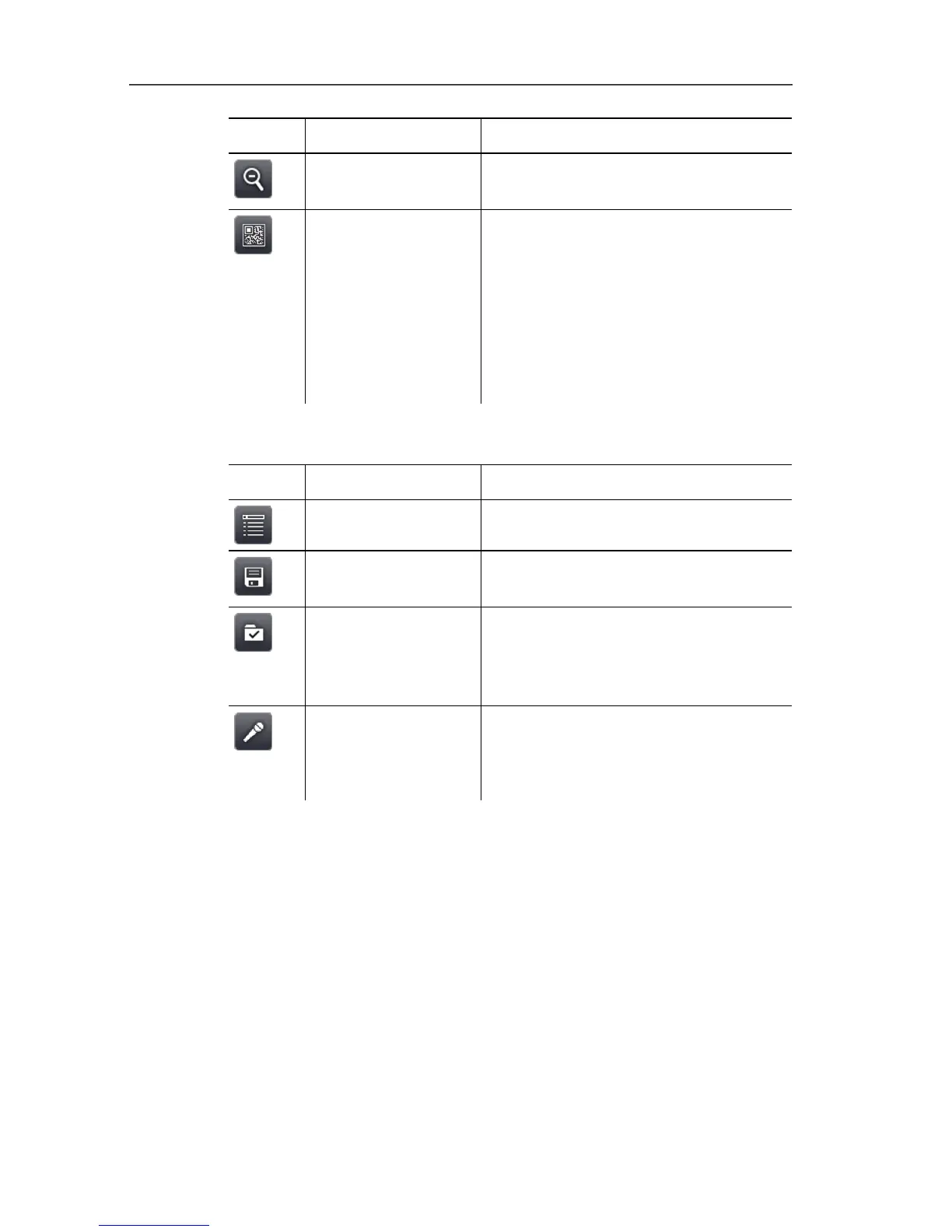
Button Function Description
Zoom out To zoom out of the image to the full
image view.
Site recognition
Only testo 885-2:
To record site markers.
The button is not displayed as
default. It has to be re-activated
every time the imager is switched
on: call up the SiteRecognition
function again from the menu and
set a marker.
Frozen or saved image view
Button Function Description
Menu
See above.
Save Save image. Function only available
when the image is frozen.
Folder Open Folder input screen. To select
where to save images. Function
only available when the image is
frozen.
Audio
Only testo 885-2 when connected to
a headset: open Audio input
screen, see see Audio (only testo
885-2), page 59.



 To Next Page