6 Using the product
32
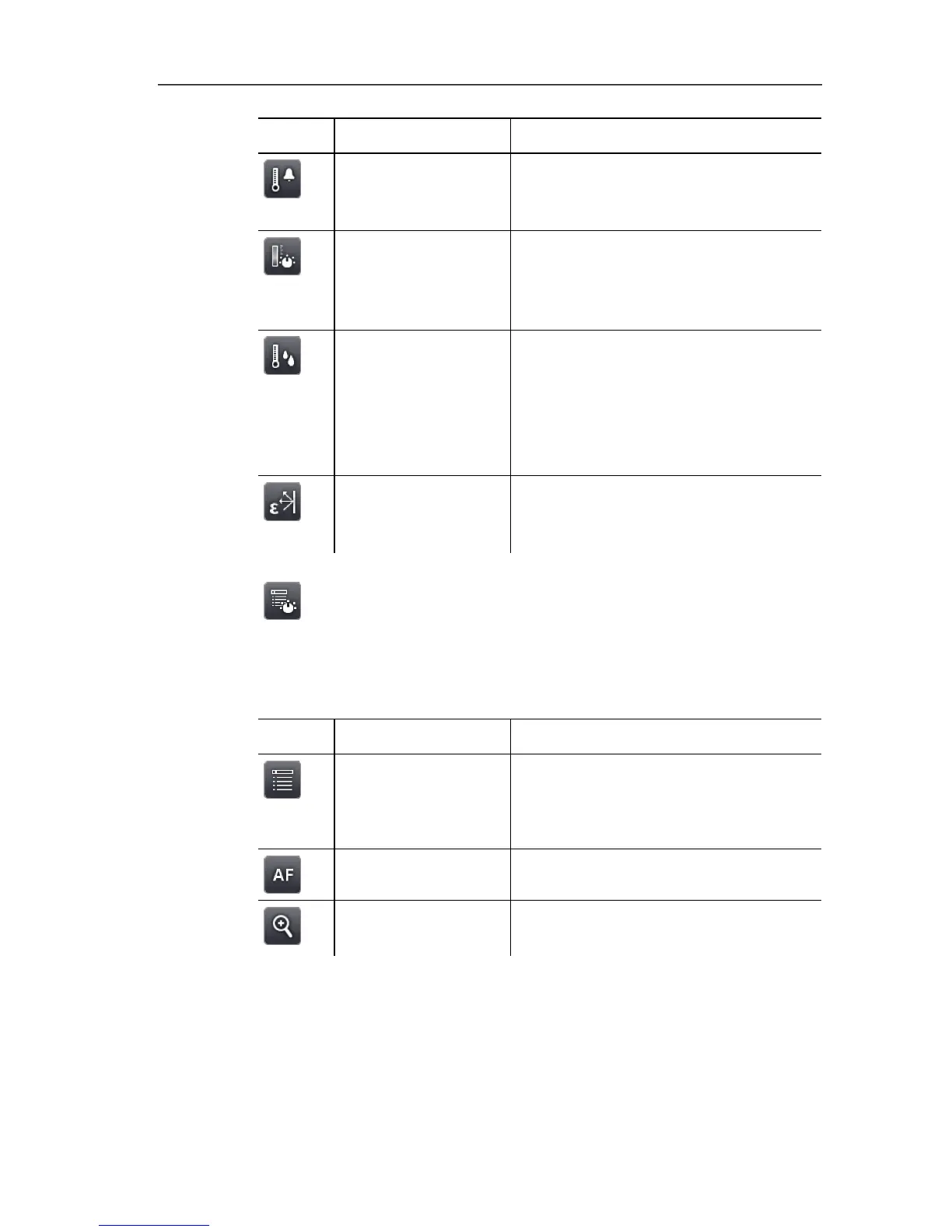
Button Function Description
Alarm Open Alarm input screen. To set
the limits and activate/deactivate the
function. See also Alarm, page 37.
Isotherm Open Isotherm input screen. To set
the limits and activate/deactivate the
function. See also Isotherm, page
38.
Humidity
Only testo 885-2:
Open Humidity input screen. To set
the parameters and
activate/deactivate the function See
also Humidity (only testo 885-2) ,
page 39.
Emissivity Open Emissivity input screen. To
set the parameters. See also
Emissivity, page 41.
6.1.3. Main menu tab
The displayed functions on the tab differ depending on the current
view.
View of current image
Button Function Description
Menu
Open menu. Via the menu, most
functions from the 3 tabs and many
additional functions can be called
up. See Measurement, page 35.
Auto-focus Activate/deactivate auto-focus.
Zoom in To zoom in on the image (digital
zoom, 5 increments).



 To Next Page