6 Using the product
43
measured should the radiation temperature of theses heat sources
be determined and used (e.g. using a globe thermometer). The
reflected temperature has little effect on objects with high
emissivity.
Using the PC software, other materials can be imported into
the instrument from an existing list.
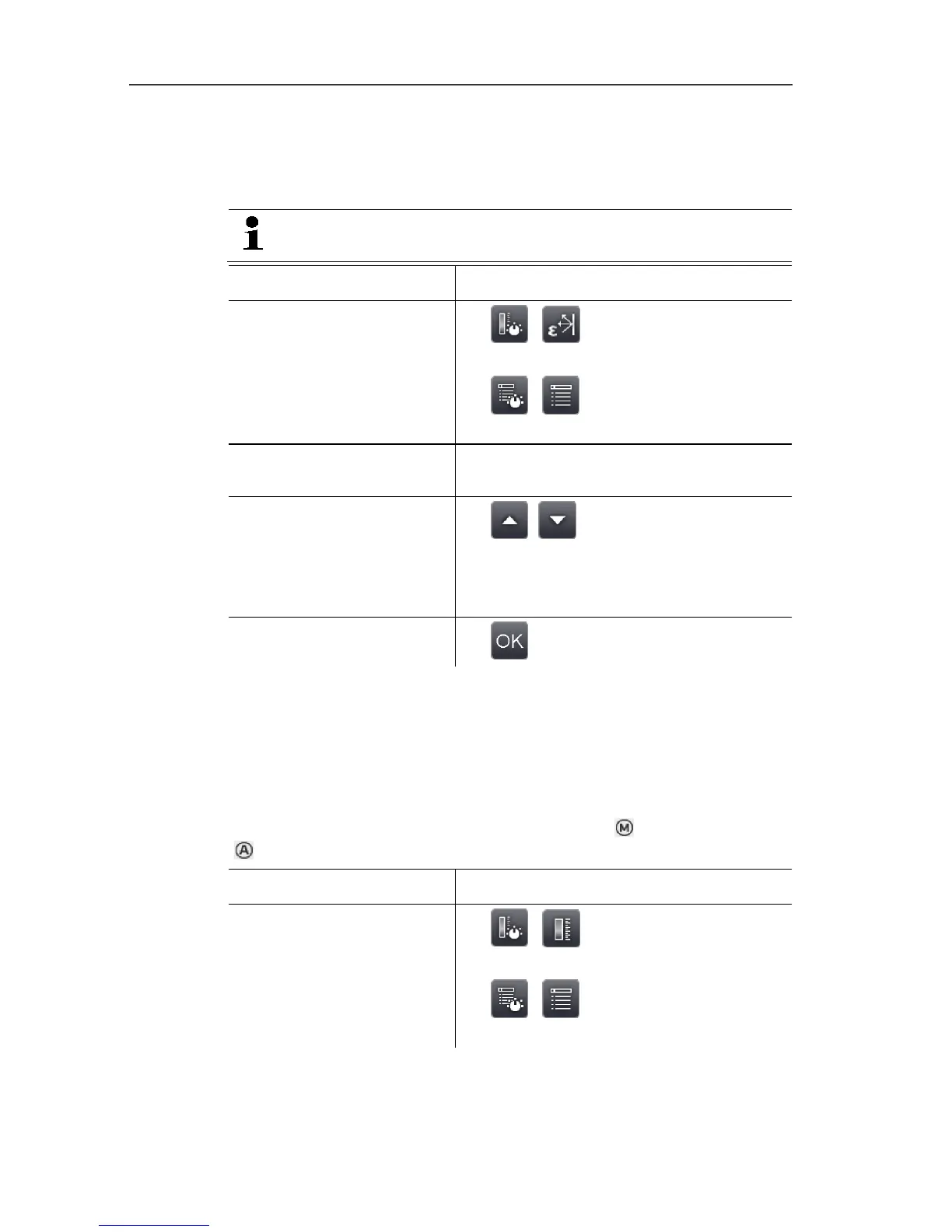
Task Actions/description
Open Emissivity input
screen.
>
| .
or
> | | Measurement |
Emissivity.
Select material.
> Highlight the material to be used by
touching on it.
Manually set the
emissivity (only when
User defined is selected)
and reflected temperature
(RTC).
> , .
Apply entries.
> .
Scale manual
Manual scaling can be activated instead of automatic scaling
(continuous automatic adjustment to the current min./max. values).
The scale limits can be set within the activated measurement range
(see Measurement range, page 35).
The activated mode is displayed bottom right: manual scaling,
automatic scaling.
Task Actions/description
Open Scale manual input
screen.
>
| .
or
>
| | Measurement | Scale
manual.



 To Next Page