6 Using the product
51
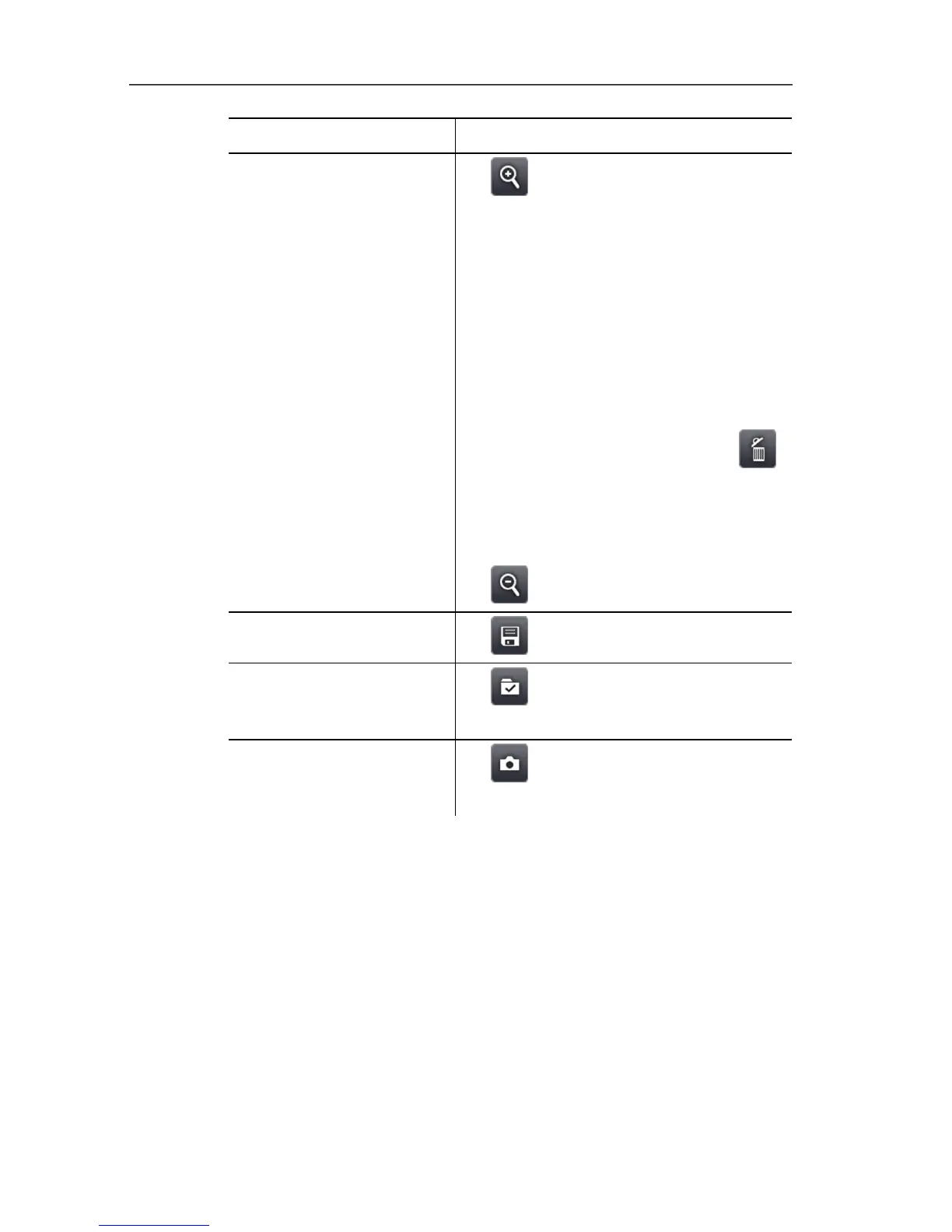
Task Actions/description
Display single image
overview and select single
image to delete/replace it.
1. .
- The single image overview is
displayed.
For a realistic display of the panoramic
image, a projection on a semi-circular
surface is required. As the image is
displayed on one plane, it is distorted
around the edges.
2. Select single image: Touch single
image. Images not available for
selection are indicated with a "X".
> Delete selected single image:
.
> Replace selected single image:
Close single image overview and
record single image again.
> Close single image overview:
.
Save panoramic image.
> .
Select where to save
image.
> .
- The Folder input screen is opened.
Close image stitching
wizard.
1. .
2. Acknowledge confirmation prompt.
SiteRecognition (only testo 885-2)
With the PC software, markers can be set to clearly indicate a
measuring site. By setting a marker with the built-in digital imager,
the images, which are then saved, are automatically allocated to
the relevant site (allocation is saved with this image). For the
creation of markers, transferring of measuring site data to the
imager and copying of images to the PC software, see instruction
manual for the PC software.



 To Next Page