6 Using the product
57
Task Actions/description
Activate/deactivate
protection glass option.
> Protection glass.
> To deactivate, touch the button
again.
- When the option is activated, the
protection glass symbol (
) is
displayed top right.
> To deactivate, touch the button
again.
Apply entries.
> .
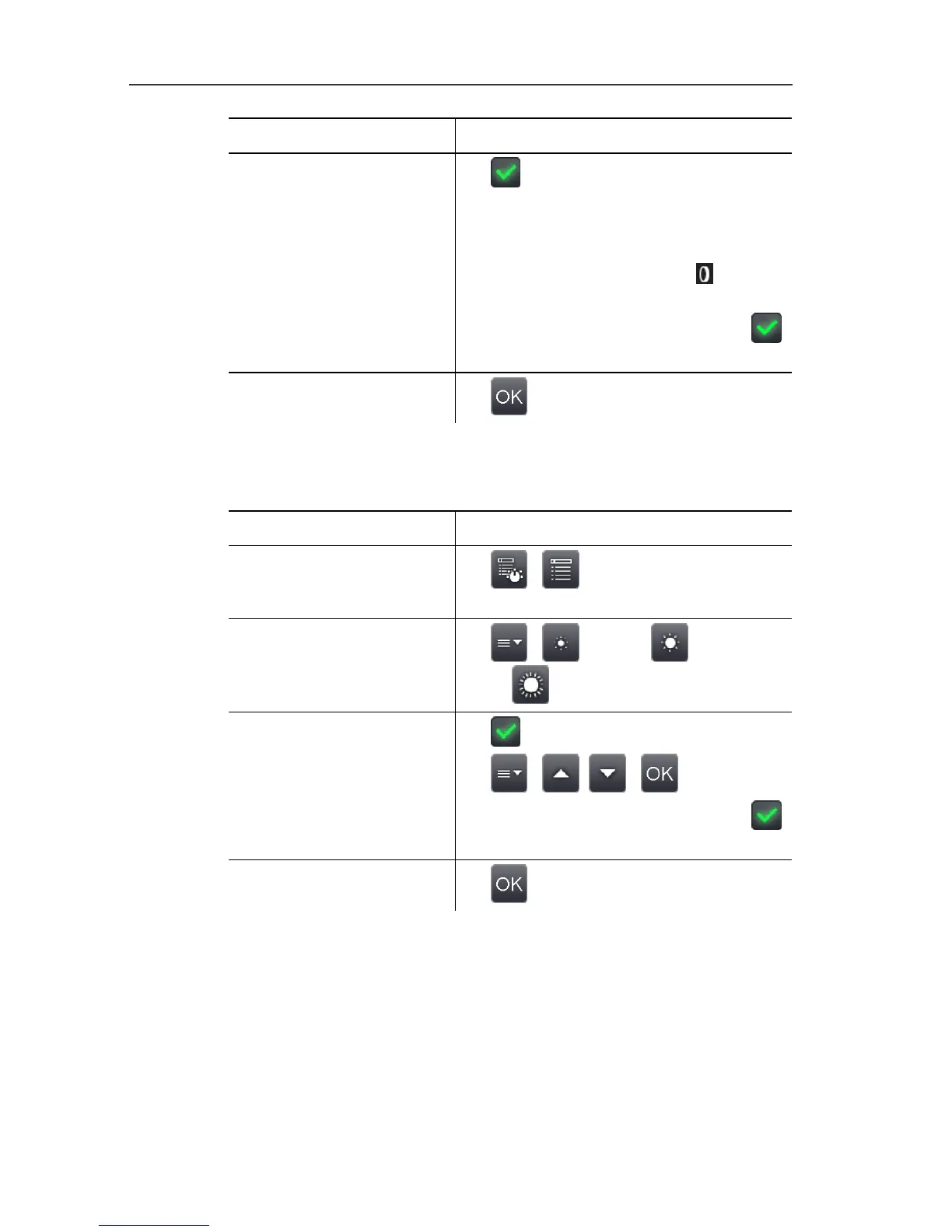
Power-save options
The options affecting battery life can be set.
Task Actions/description
Open Power-save
options input screen.
> | | Configuration |
Power-save options.
Set the brightness of the
LCD backlight:
> | (low) or (medium)
or (high).
Activate/deactivate
automatic switch-off
function LCD off or
Imager off and set the
switch-off time.
1. Active.
2. | , | .
> To deactivate, touch the button
again.
Apply entries.
> .
Set time/date
Time and date can be set. The time and date format are set
automatically based on the selected instrument language.



 To Next Page