7 Maintaining the product
139
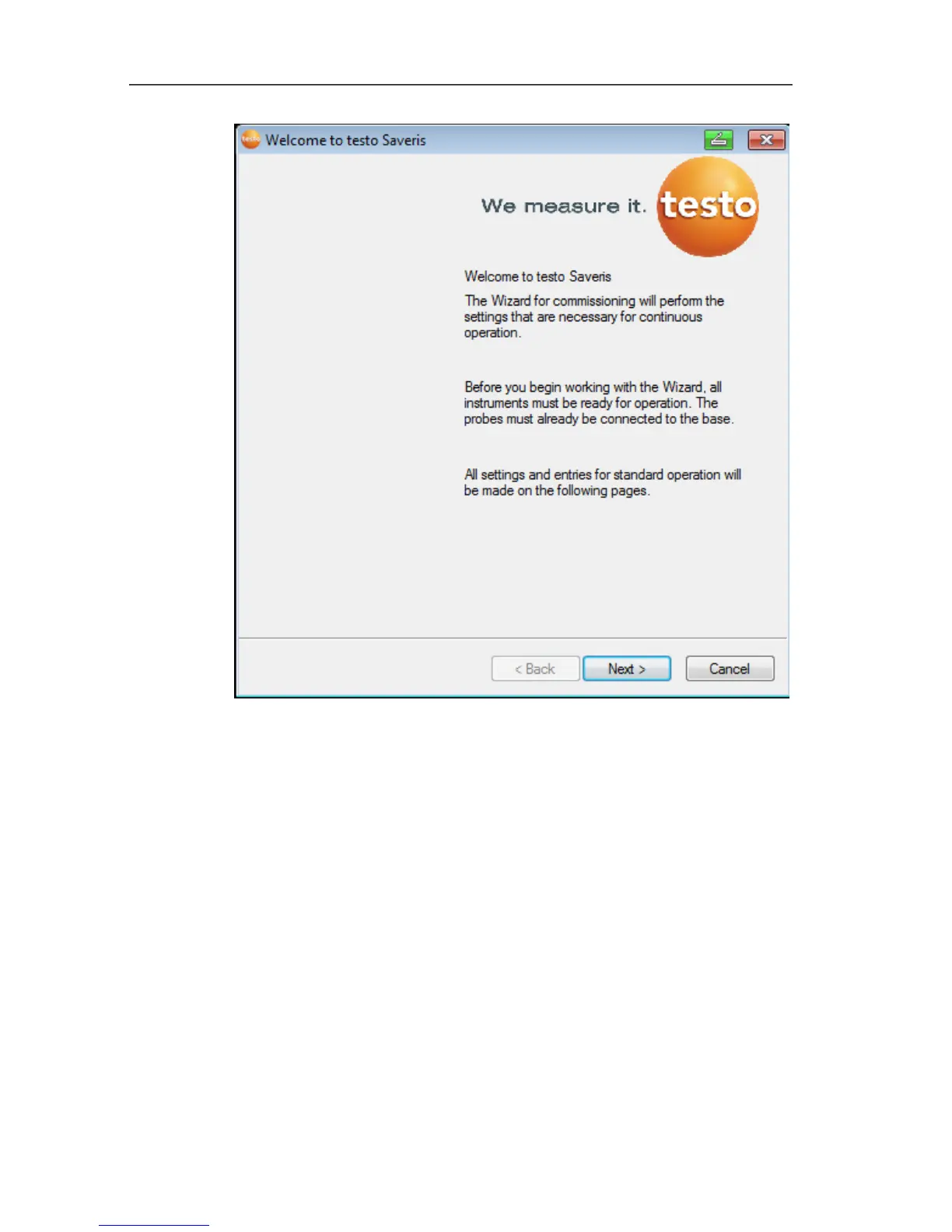
3. Click on [Next >].
- The software automatically detects whether the probe was
already logged in and opens the Commission New Probe
dialogue box.
4. In the Connect [To] column, select if the probe measuring
values should be updated in the existing data column or
5. [Off] should be selected if the probe measuring values should
be displayed in a separate data column.
6. Click on [Next >].
- The Configure New Probe dialogue box is displayed.







 To Next Page