5 First steps
51
5.11.1.4. Assigning probes
To assign a probe to a router, both must be connected
in the Saveris base.
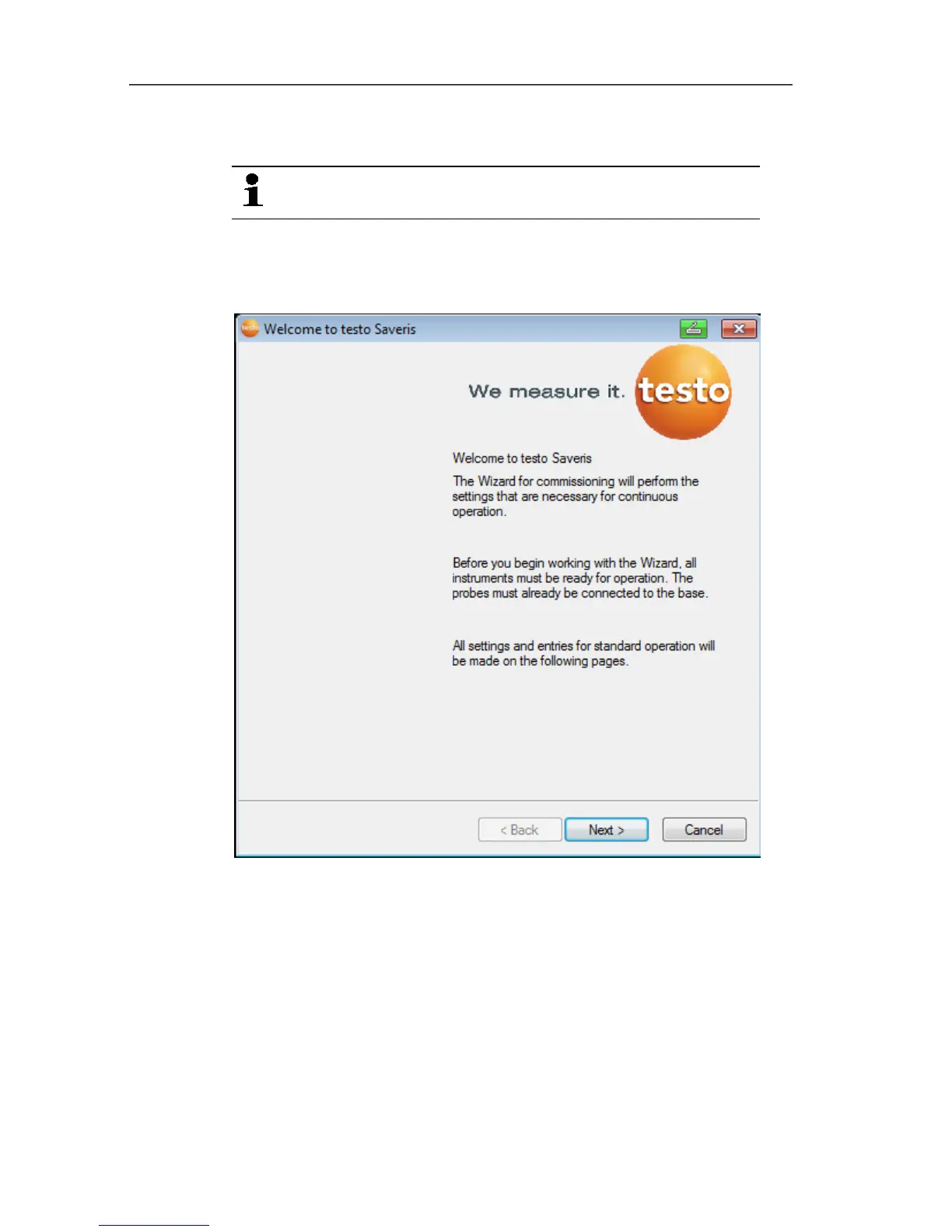
1. Under Start | All Programs | Testo click on Saveris Startup
Wizard.
- The welcome dialogue of the startup assistant is shown.
2. Click on [Continue >].
- The System status dialogue with the General tab is shown.







 To Next Page