5 First steps
76
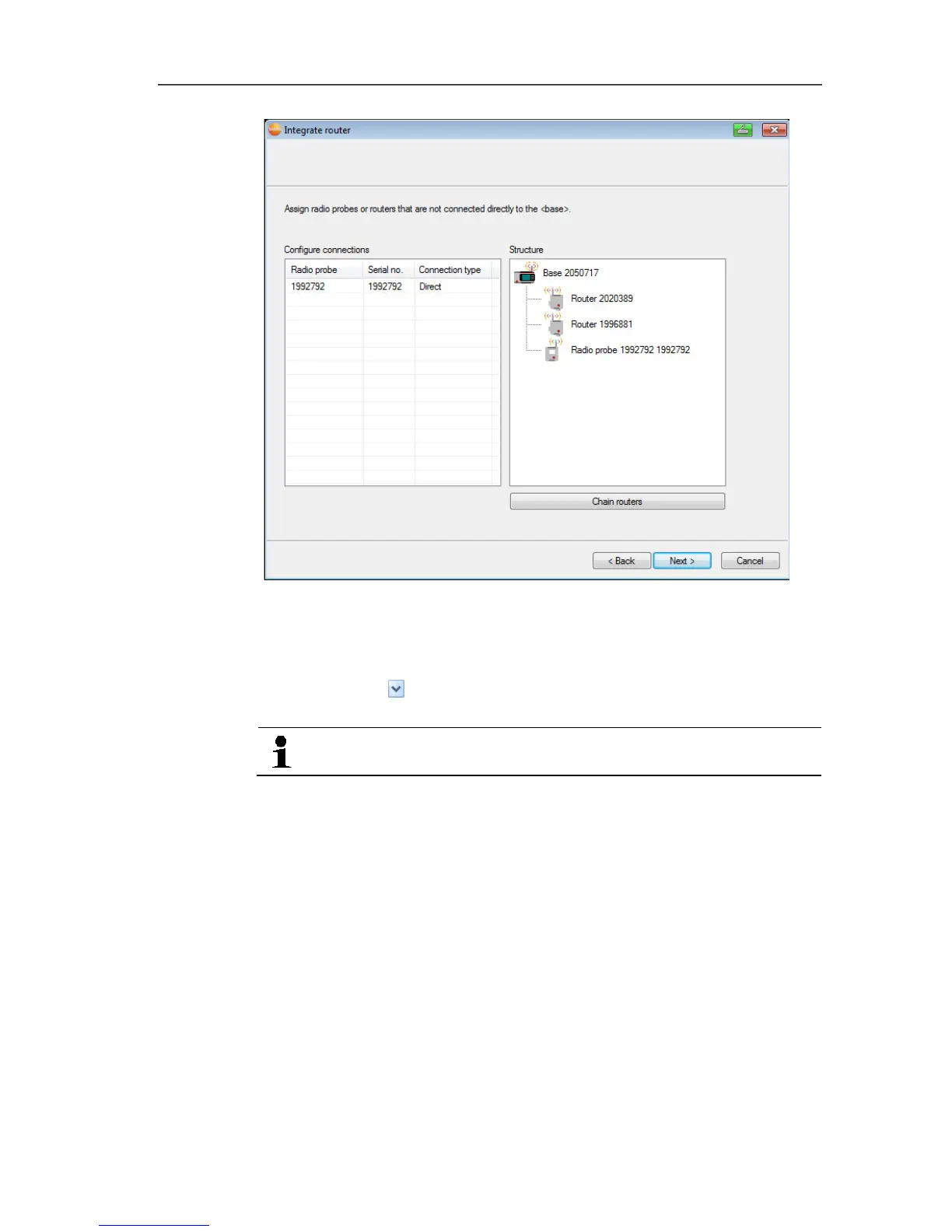
19. Click in the Connection type cell of the probe to be assigned to
a router.
- The cell is shown as a selection list.
20. Use button to open the selection list and select the router to
which the probe should be assigned.
Probes in a mobile zone cannot be assigned to a router.
21. Perform steps 21 and 22 for any other probes with
measurement data to be transmitted to the Saveris base via a
router.
22. Click on [Next >].
- The wizard is displayed with the start of measurement
configuration and the list of newly registered probes.







 To Next Page