25
EN
15sec.
INSTRUCTIONS FOR USE
SECONDARY FUNCTIONS
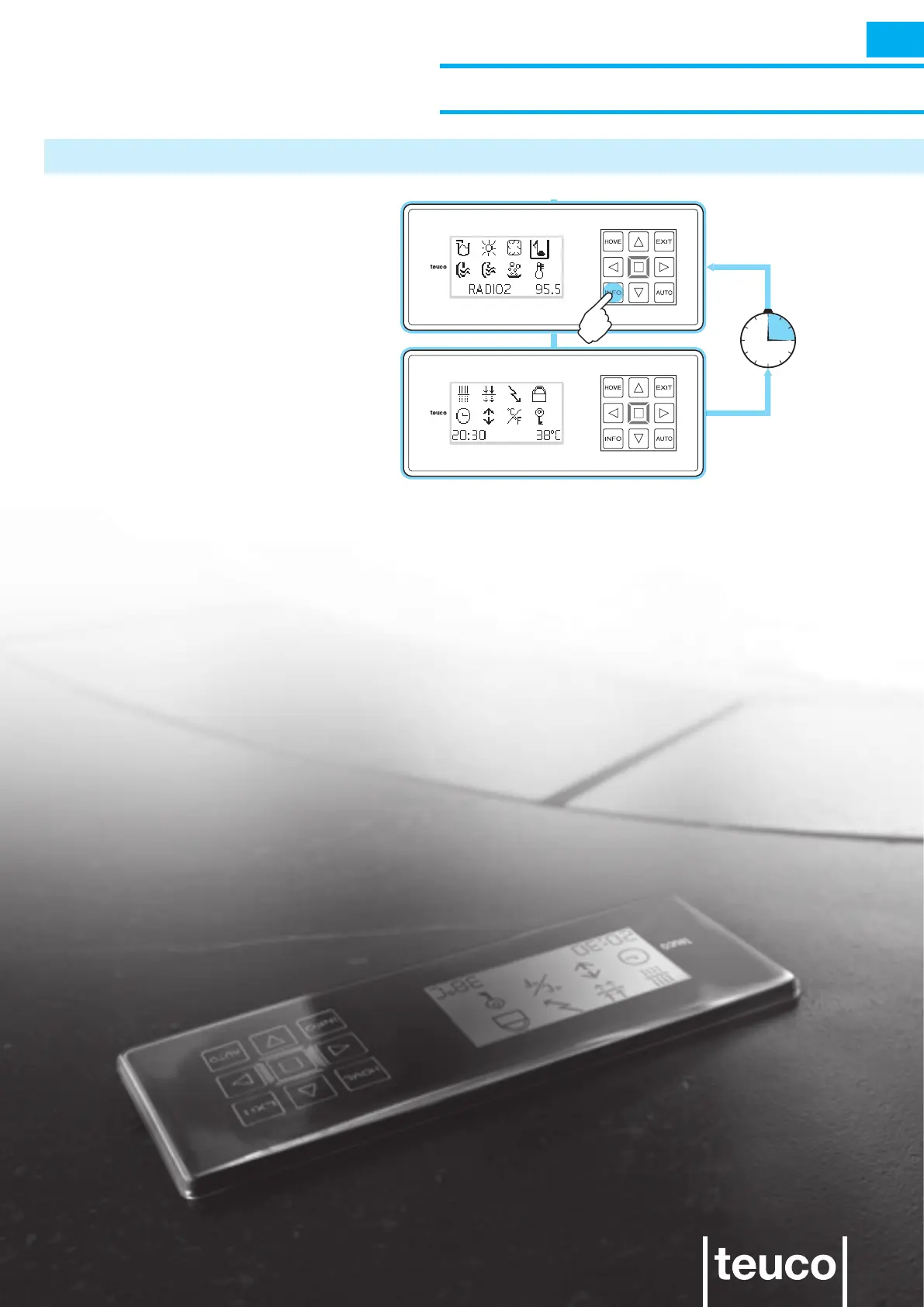
INFO MENU
Pressing the INFO button from the
READY MENU function switches over to
the INFO MENU, from which it is possible
to change the operating settings and
access the secondary functions.
Each action is conrmed by a “beep”
sound.
- If no buttons are pressed for 15 seconds
the panel will return to READY MENU
mode.
INFO
INFO



 To Next Page