- 10 -
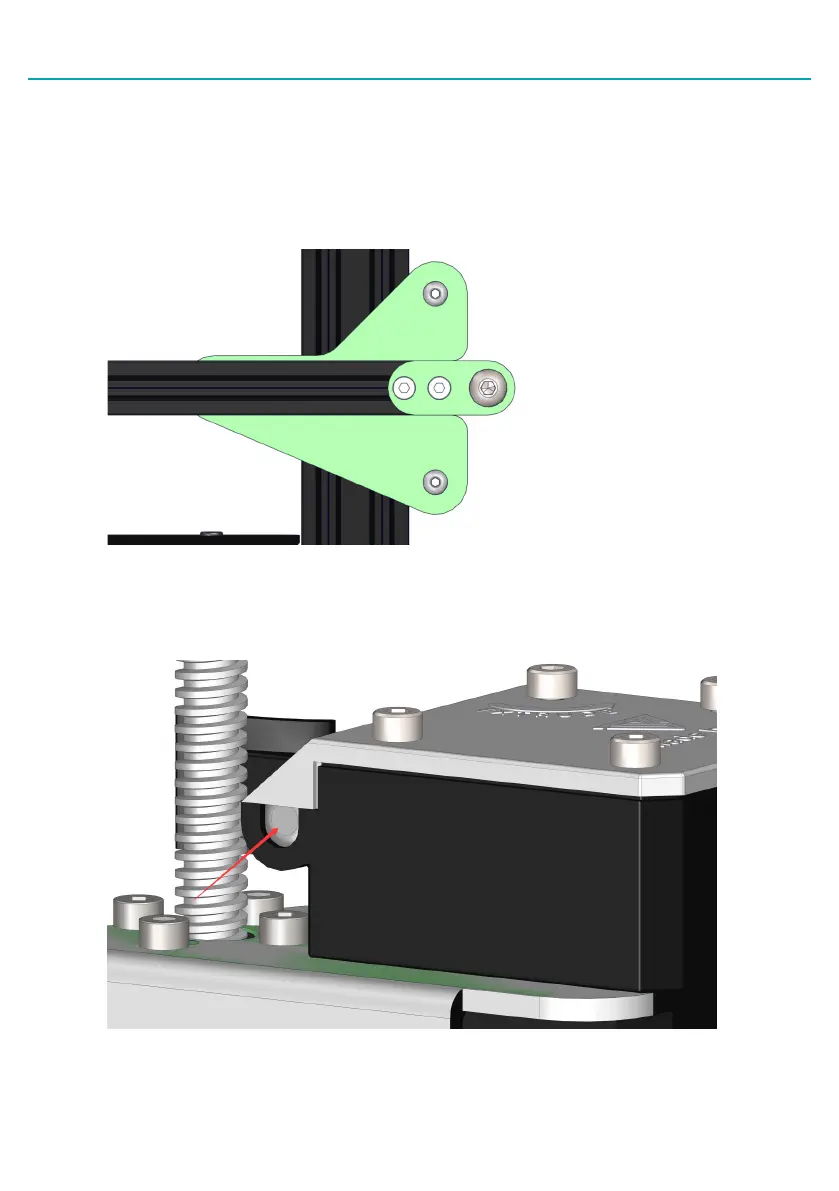
5. Check the tension of the belt driving the X-carriage. The belt should be taut, with no slack or
slop.
• If the belt is loose:
• Loosen the two bolts at the right side of the gantry holding the belt pulley.
• Pull the pulley to tighten the belt. Holding the belt taut, tighten the two bolts.
•
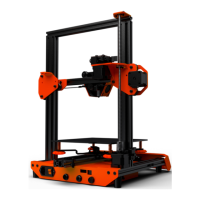
6. Adjust the tension on the Titan Extruder with the screw shown in the picture below if the
filament doesn't come out smoothly during print.


 To Next Page