- 6 -
4. Connect all electrical cables.
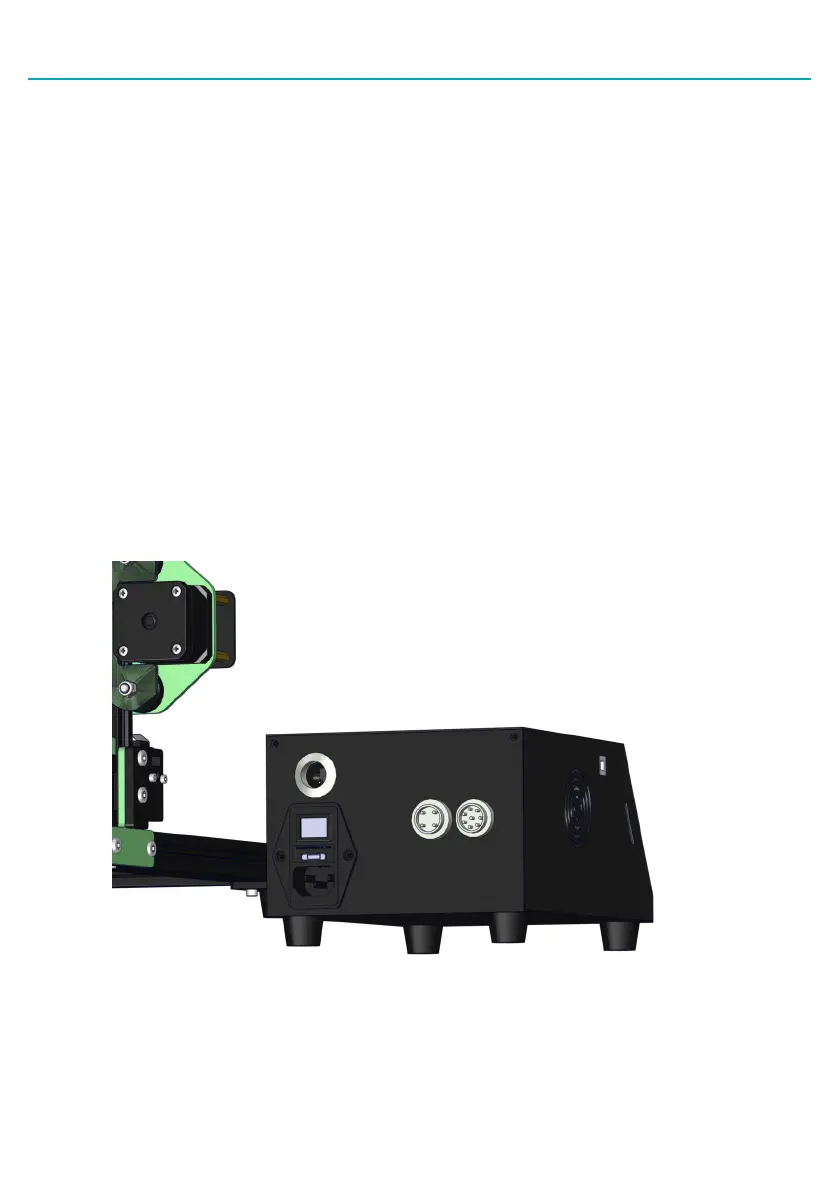
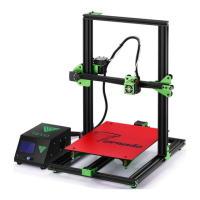
• Put the control box on the lead screw side of the printer with the screen facing forward.
• Connect the heater cables to the control box.
The cable for the build pates has four pins. The cable for the nozzle heater has eight
pins. Rotate the connector until the pins slide easily into the socket. DO NOT force them.
After the pins are fully inserted, hand-tighten the knurled nuts so they don’t become
unplugged.
• Connect the stepper motor and limit switch cables.
The Y cables go to the stepper motor and limit switch at the back of the base frame.
The Z cables go to the stepper motor and limit switch on the lead screw side of the
base frame. The X and E (extruder) cables go to the gantry frame. The X cables go to
the stepper motor and limit switch that runs the belt and the E cables go to the stepper
motor that drives the extruder.
• Connect the power cord to the back of the control box and to a standard 220v/110v
electrical outlet.
• Turn the power on using the switch on the back of the control box.


 To Next Page