32 LMP90100 EVB User’s Guide August 2012
9.0. Installing the LMP90100 Sensor AFE Software
Each Sensor AFE product will have its own software. To access the Sensor AFE software for
LMP90100, follow the steps below.
1. Getting the Zip Files
a. You can find the latest downloadable Sensor AFE software at www.ti.com/sensorafe
Tools
b. Download the zip file onto your local hardrive. Unzip this folder.
2. Installing the Driver - skip this step if you don’t have the LMP90100EB and SPIO4 digital
controller board.
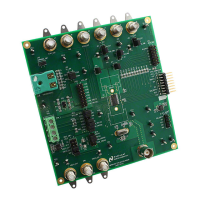
a. Connect the LMP9100EB to SPIO4 board
b. Connect the SPIO4 board to your PC.
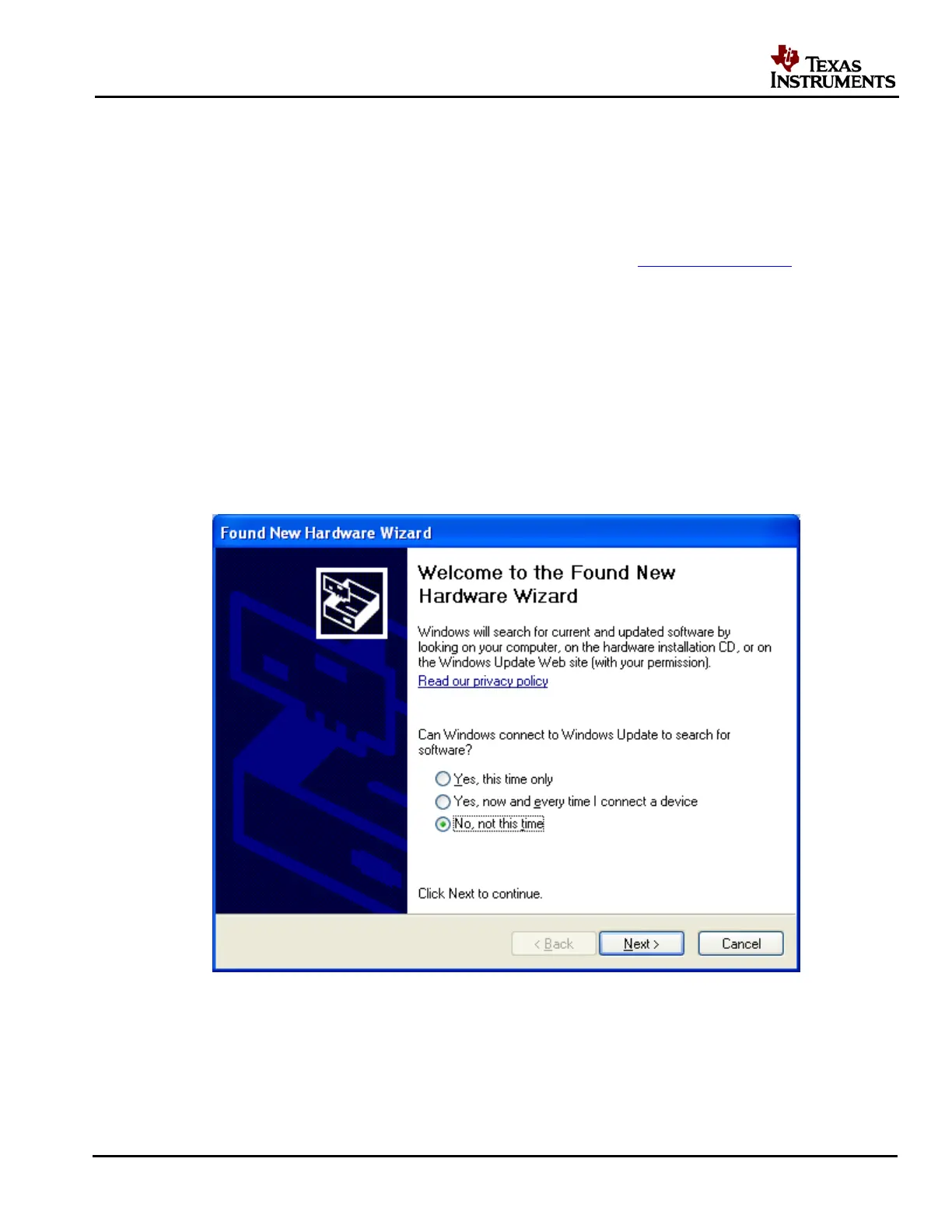
c. Follow the steps below to install the driver:
Figure 31 - Click on "No, not this time"











 To Next Page