TI-83 Plus GeoMaster™ Application Page 5
Getting Started
Work through this exercise to become familiar with the basic
features of the GeoMaster™ application. In this exercise, you
draw a triangle that is circumscribed by a circle, and then move
the triangle to see what happens to the circle and the
perpendicular bisectors.
Start the GeoMaster application.
1. Press
n
to display a list of applications on your calculator.
2. Select
GeoMastr
. The information screen is displayed.
After you press
n
, you can press
e
G to move to the first
application name that begins with a G.
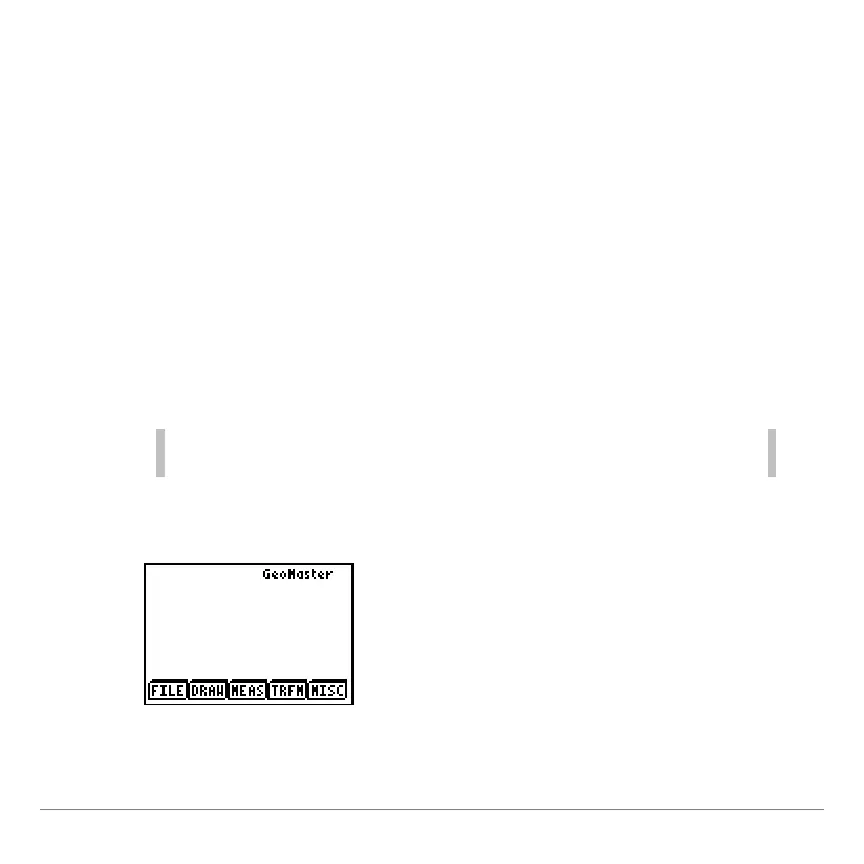
3. Press any key to continue. The main screen is displayed.


 To Next Page
 Loading...














