TI-83 Plus GeoMaster™ Application Page 9
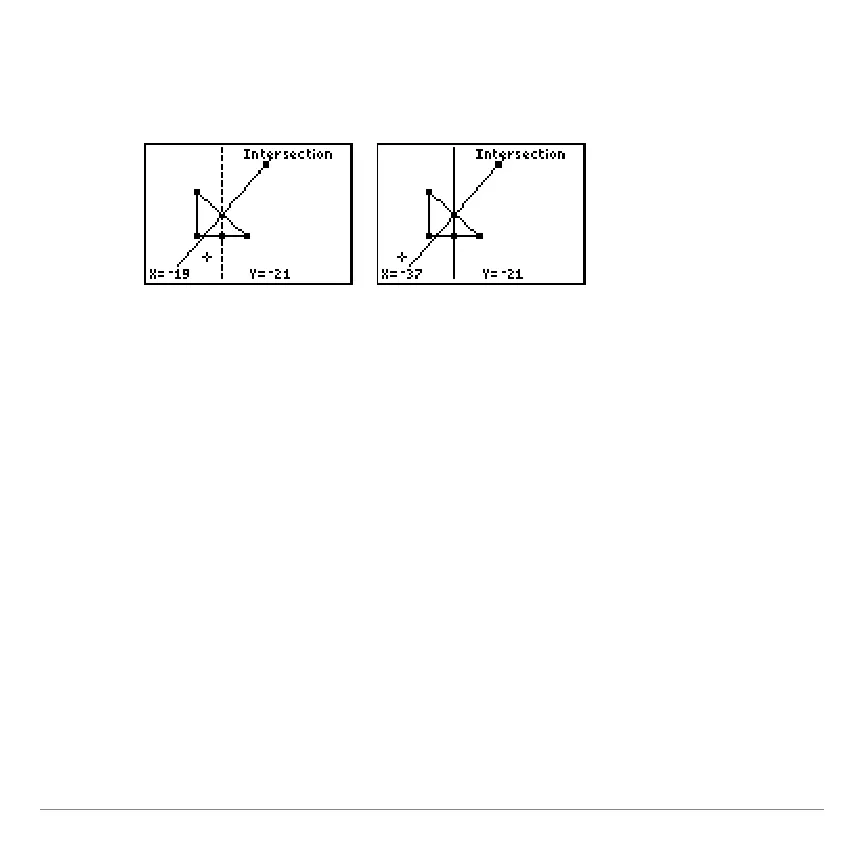
4. Use the arrow keys to move the cursor to the other
perpendicular bisector, and then press
¯
. The
intersection point is drawn.
Draw a circle that circumscribes the triangle.
-
The center point is the intersection of the perpendicular
bisectors.
-
The circle intersects each vertex of the triangle.
1. Press
V
to display the menu bar.
2. Select
DRAW
, and then select
Circle
.



 To Next Page
 Loading...













