EasyManua.ls Logo

Texas Microsystems, Inc. 2003 - Page 19

Default Icon
44 pages
Print Icon
To Next Page IconTo Next Page
To Previous Page IconTo Previous Page
Loading...
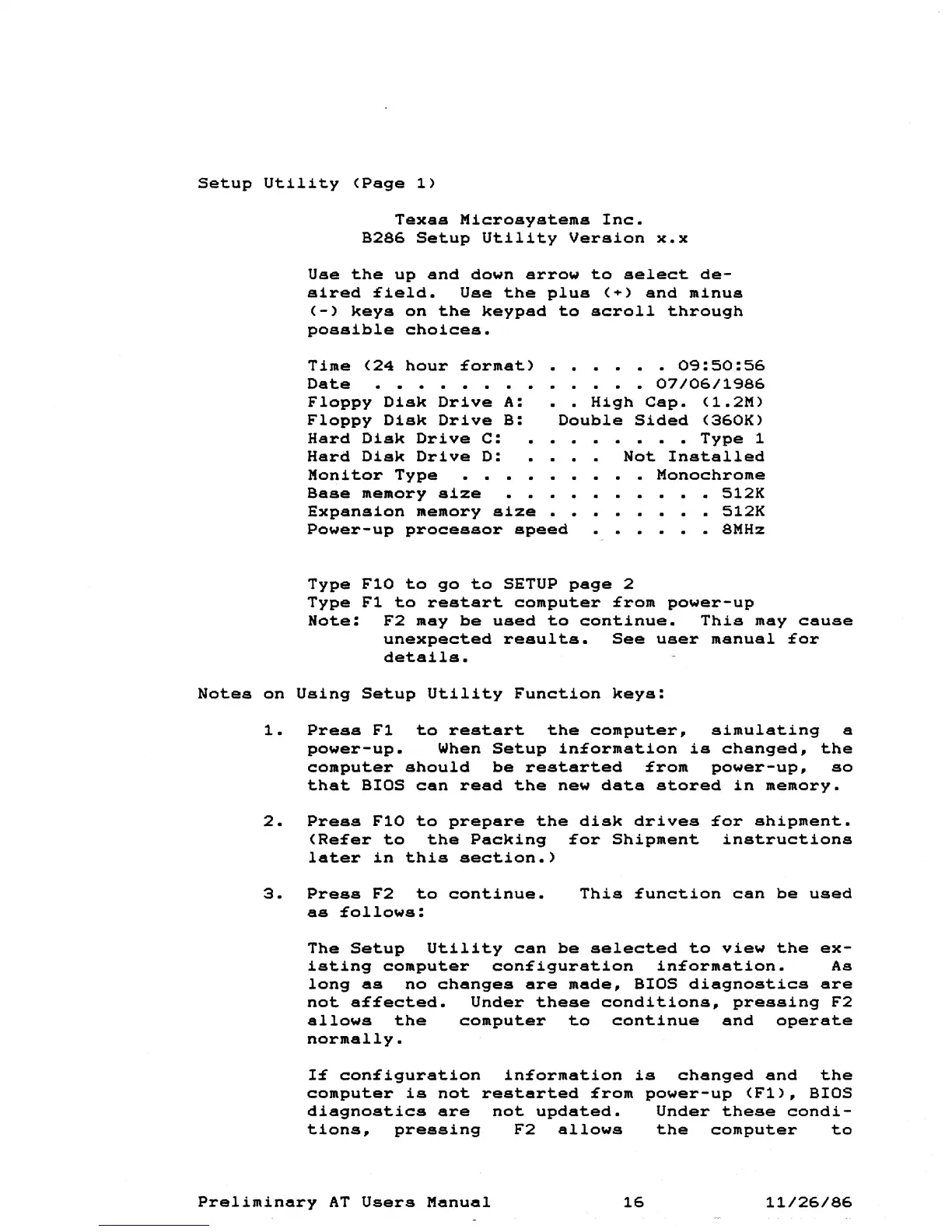
Setup
Utility
(Page
1)
Texas
Microsystems
Inc.
B286
Setup
Utility
Version
x.x
Use
the
up
and
down
arrow
to
select
de-
sired
£ield.
Use
the
plus
(+)
and
minus
(-)
keys
on
the
keypad
to
scroll
through
possible
choices.
Time
(24
hour
£ormat)
Date
Floppy
Disk
Drive
A:
Floppy
Disk
Drive
B:
Hard
Disk
Drive
C:
Hard
Disk
Drive
D:
Monitor
Type
0<:3:50:56
07/06/1<:386
••
High
Csp.
(1.2M)
Double
Sided
(360K)
Type
1
Not
Installed
Monochrome
Base
memory
size
Expansion
memory
size
Power-up
processor
speed
512K
512K
8MHz
Type
FlO
to
go
to
SETUP
page
2
Type
F1
to
restart
computer
£rom
power-up
Note:
F2
may
be
used
to
continue.
This
may
cause
unexpected
results.
See
user
manusl
£or
details.
Notes
on
Using
Setup
Utility
Function
keys:
1.
Press
F1
to
restart
the
computer,
simulating
a
power-up.
When
Setup
in£ormation
is
changed,
the
computer
should
be
restarted
£rom
power-up,
so
that
BIOS
can
read
the
new
data
stored
in
memory.
2.
Press
FlO
to
prepare
the
disk
drives
£or
shipment.
(Re£er
to
the
Packing
£or
Shipment
instructions
later
in
this
section.)
3.
Press
F2
to
continue.
as
£ollows:
This
£unction
can
be
used
The
Setup
Utility
can
be
selected
to
view
the
ex-
isting
computer
con£iguration
in£ormation.
As
long
as
no
changes
are
made,
BIOS
diagnostics
are
not
a££ected.
Under
these
conditions,
pressing
F2
allows
the
computer
to
continue
and
operate
normally.
con£iguration
in£ormation
is
changed
and
the
computer
is
not
restarted
£rom
power-up
(F1),
BIOS
diagnostics
are
not
updated.
Under
these
condi-
tions,
pressing
F2
allows
the
computer
to
Preliminary
AT
Users
Manual
16
11/26/86