MANUAL P/N 900000165 REV H
3.3.2 Network Configuration
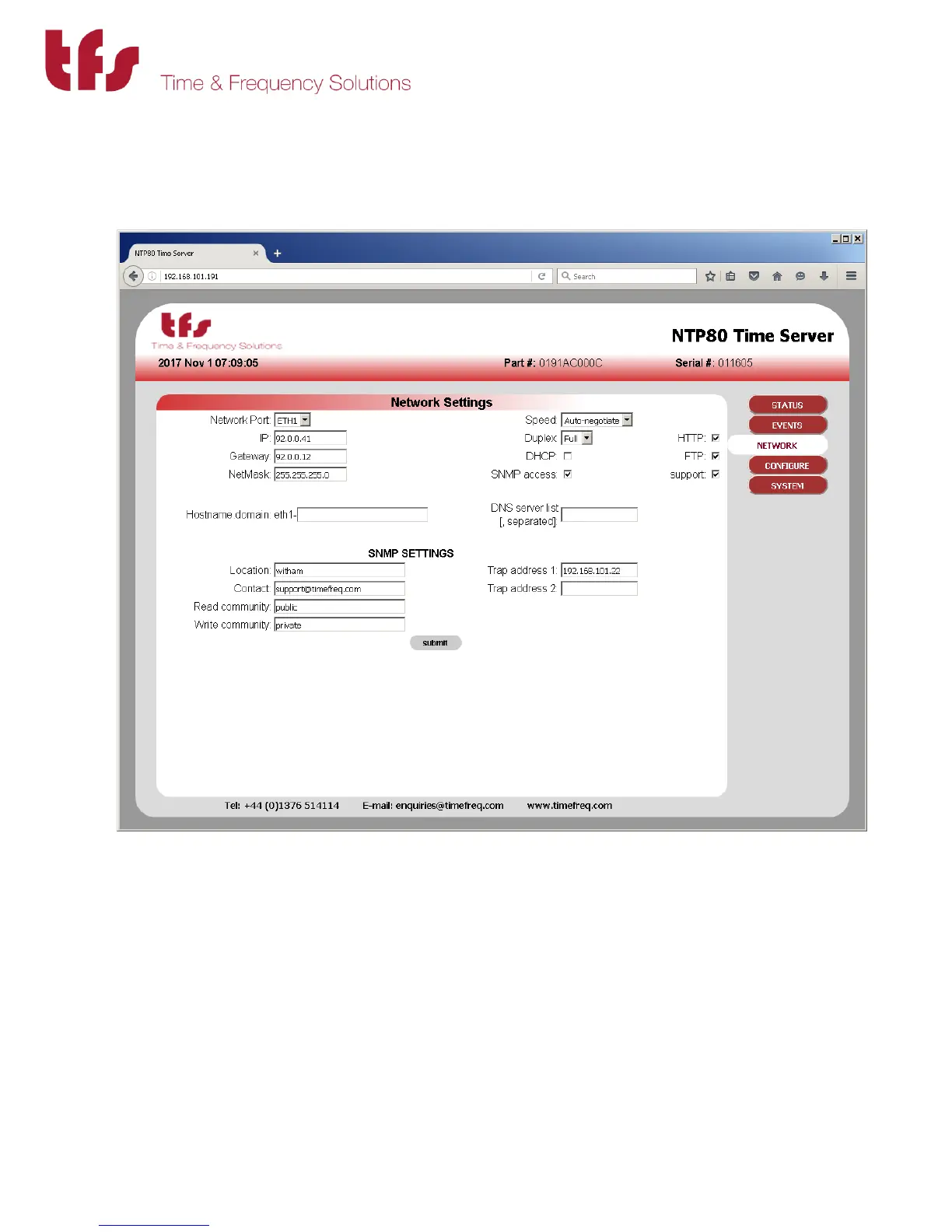
Use the network button on the right to select the network configuration page. This provides
configuration for all the network settings, IP addresses, SNMP and service selection for the
network ports.
Configure each port as required. Note that submit must be pressed for each port modified.
Changing ports without submitting will lose any changes.
Select the services required for the port, SUPPORT provides telnet access and is used for factory
support only. FTP is only used for new firmware updates.
Once the settings have been made press submit.
Depending on whether the IP address of the port being accessed is being changed the page will
show either some reconfiguration information or a link to the new address. Click this link to



 To Next Page