MANUAL P/N 900000165 REV H
12.2 Firmware update
When a firmware update is provided it will consist of two files, a .x file and a .ck file. The .ck will
contain a line similar to the following:
2673811419 3683505 arch/powerpc/boot/cuImage.pq2fads.x
The first number in this file is the checksum, so in this case, 2673811419.
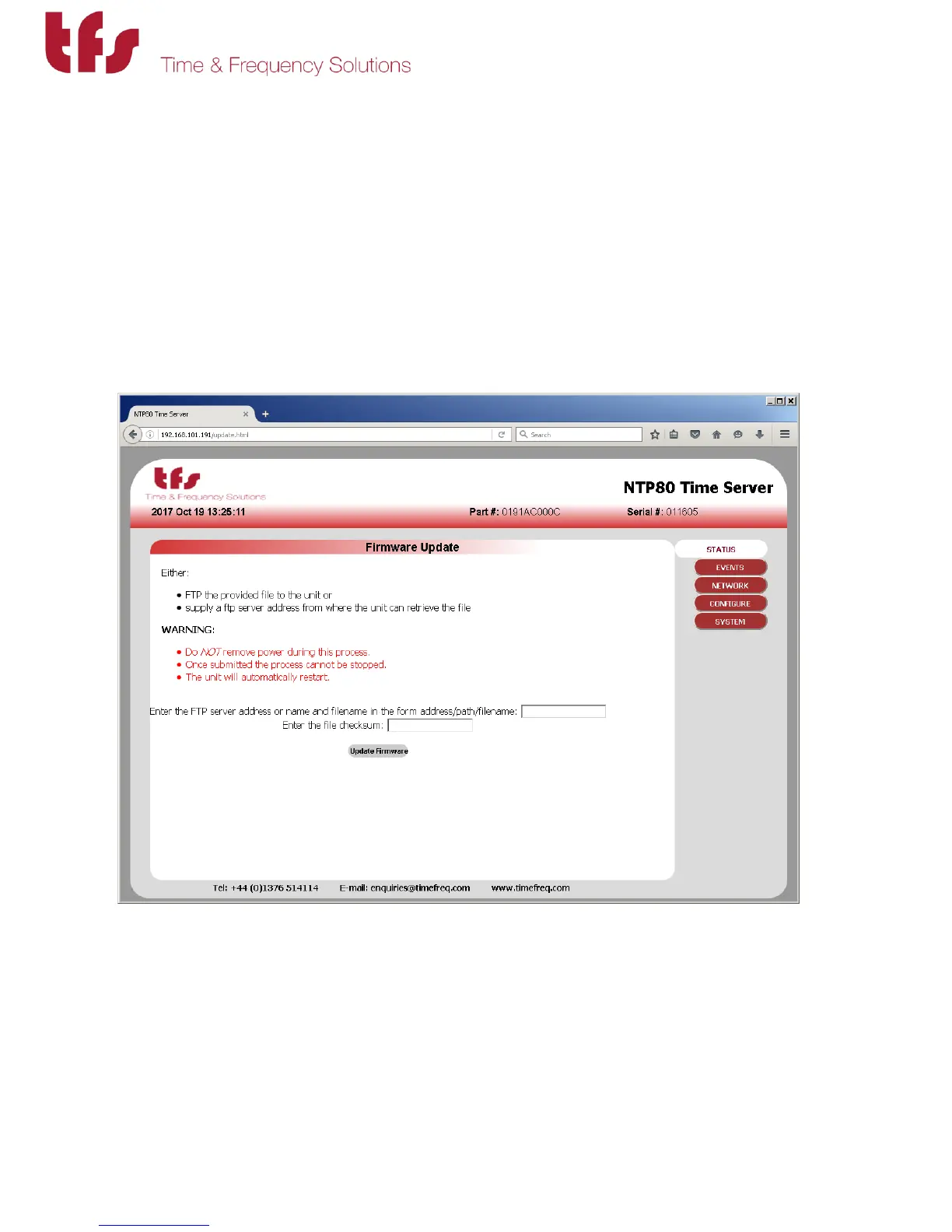
Enter http://<IP.ADDRESS>/update.html into a browser.
There are two ways to update the firmware:
1/ if an FTP server is available then load the .x file onto the FTP server and specify
the full path name in the FTP server address field box as <ftp
server>/path/update-file-name.x. In the checksum field enter the checksum
provided in the .ck file.



 To Next Page