MANUAL P/N 900000165 REV H
Ensure that the power supply will not be interrupted and press submit.
2/ The firmware update can be transferred to the NTP80 with an FTP client, such as
FileZilla. In the client enter the IP address of the NTP80, there is no username or
password. Then upload the .x file. Leave the FTP server address field blank and
enter the checksum provided in the .ck file in the checksum field.
Ensure that the power supply will not be interrupted and press submit.
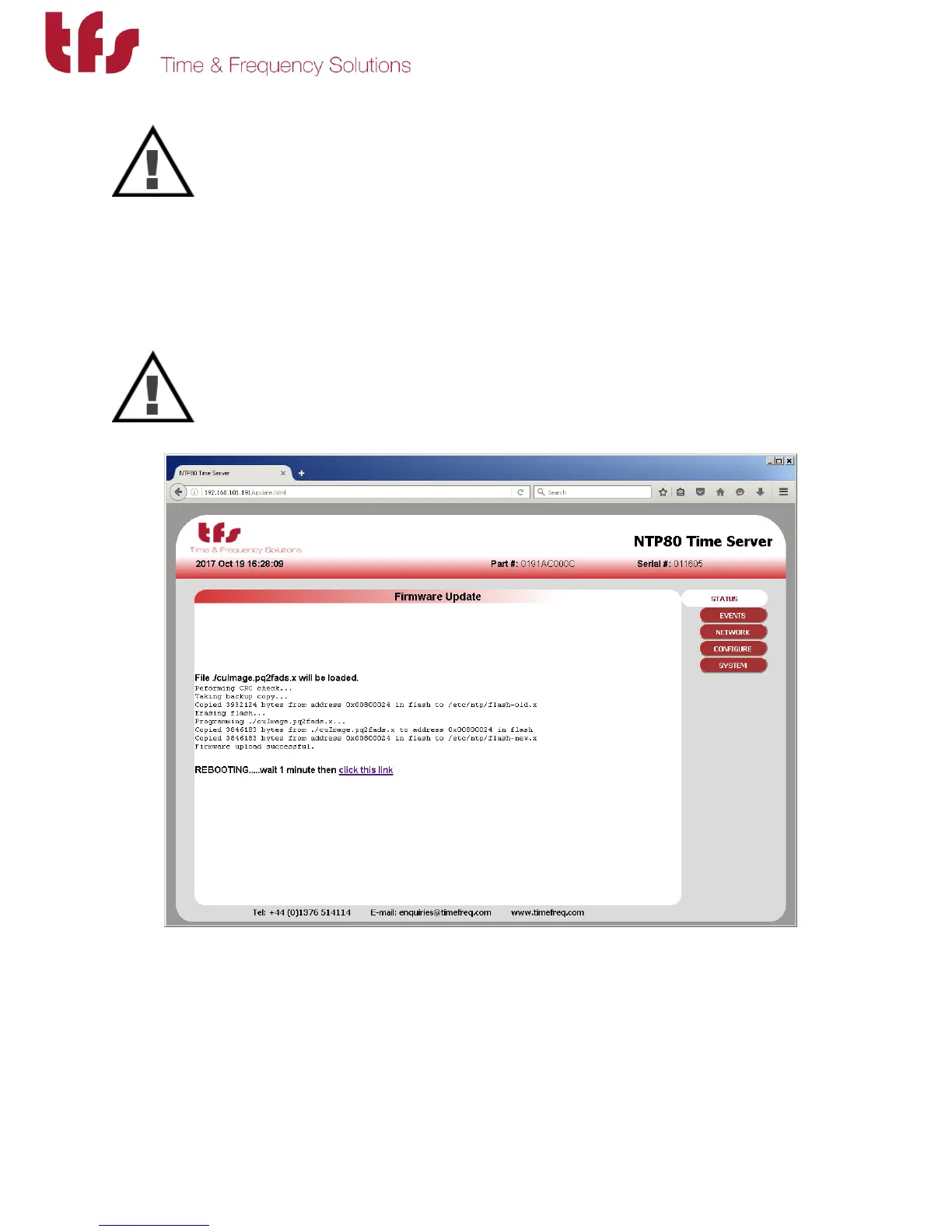
Wait 1 minute for reboot and press the link to take you back to the status page.
If there are any problems with the uploaded file or in the process of writing the new file to flash
memory these will be detected and the original firmware restored.



 To Next Page