MANUAL P/N 900000165 REV H
return to the status page otherwise use the STATUS button. These steps are shown in more detail
in section 5.2
3.3.3 NTP Configuration
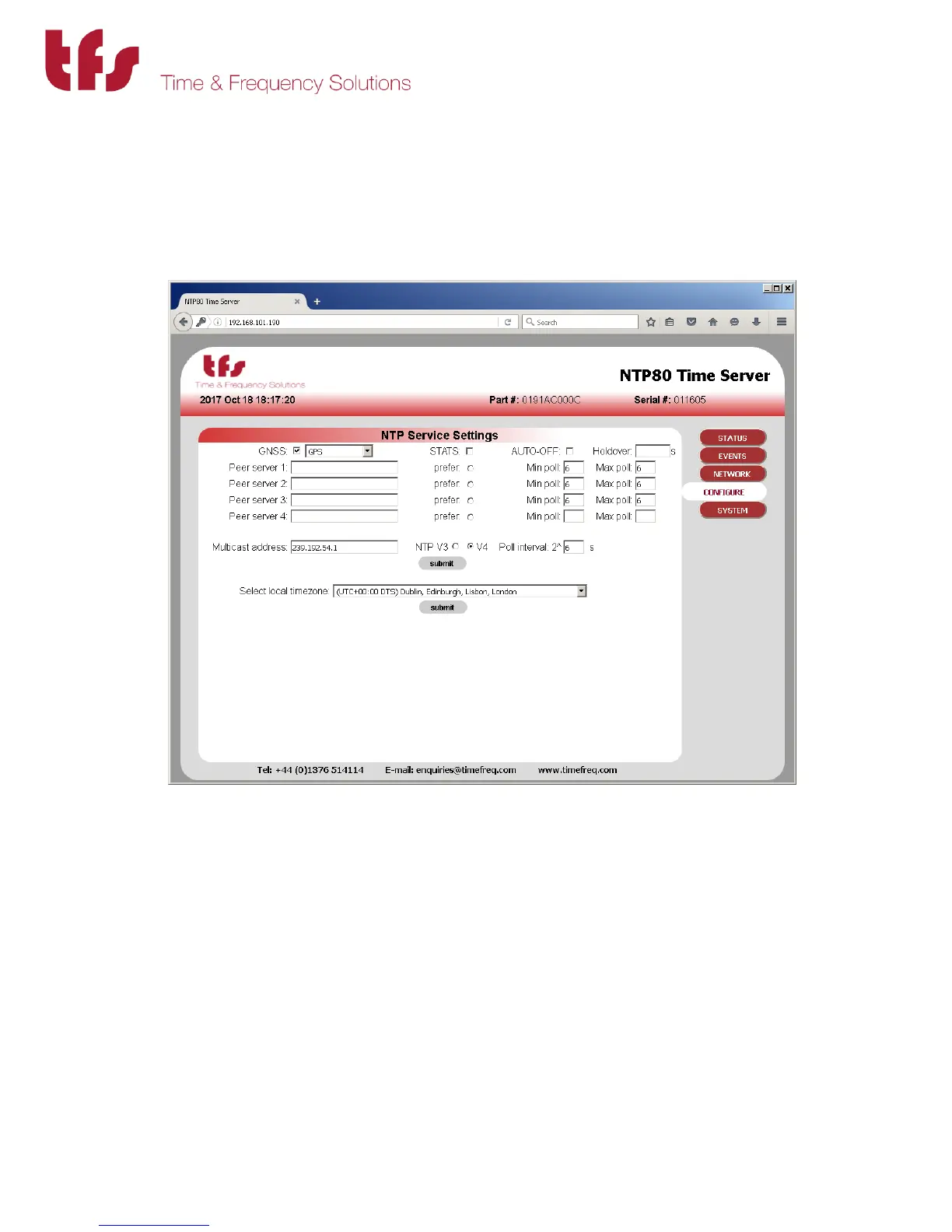
If the unit is a peer to peer only, i.e. it does not have a GNSS receiver, then the CONFIGURE button
will need to selected. For GNSS units the default settings will allow the NTP80 to synchronise
with GPS and provide accurate time.
When in peer to peer only mode, ensure the GNSS checkbox is unchecked, then add the NTP
peers to be configured as peers for this server. The poll intervals are given as power of 2 and
can be from 6 (64s) to 9 (512s).
Press submit to make the changes. Reconfiguration information is displayed. The STATUS button
can be used to return to the status page.
Further details on the NTP configuration can be found in section 5.3
The NTP80 will now be configured and able to serve time on your network.
The following sections give further and more detailed descriptions on configuring and running
the NTP80.



 To Next Page