— E15 —
Operation
Using a Bluetooth Device (Continued)
5
“BT” and bluetooth indicator will
light solid.
NOTES:
• If your Bluetooth prompts you for a
passcode during the pairing process,
please enter “0000” to connect.
• On some Bluetooth devices, once pairing
is completed, select your Bluetooth
device as “Use as Audio Device” or
similar.
• If connection is lost after successful
pairing, check to make sure the distance
between speaker and Bluetooth-enabled
device does not exceed 30 feet/10
meters.
• To connect this unit as a bluetooth
speaker for Smart TV, the HDMI
connection or microphone connection
has to be unplugged.
6
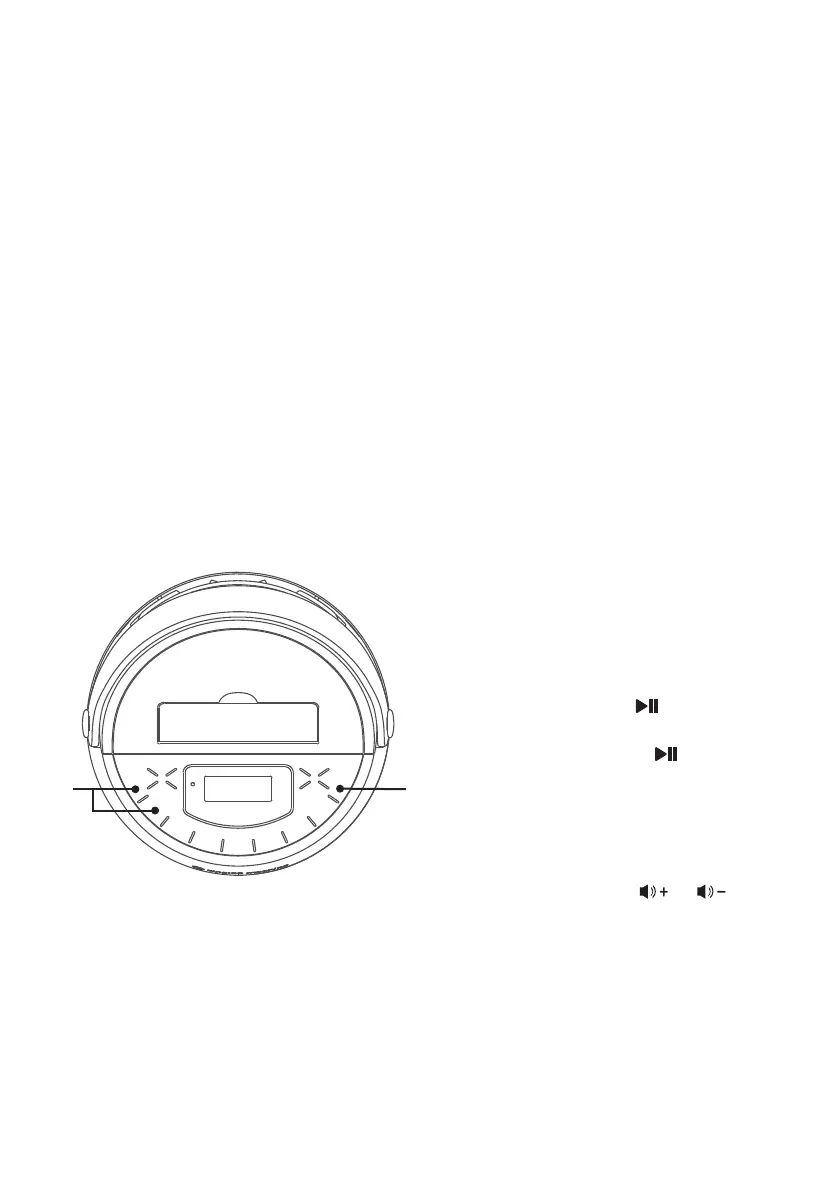
You can control your Bluetooth
device to start the music playback
OR press the button to start
playback (music app must be
open). Press the button during
playback to pause the song.
7
Adjust the volume to a comfortable
level using the
or
buttons
on this unit as well as the Volume
on your Bluetooth device.
NOTE: Bluetooth music and your singing
performance are only played on the unit.
U
V










 To Next Page