— E16 —
Operation
Using a Bluetooth Device (Continued)
at
ak
8
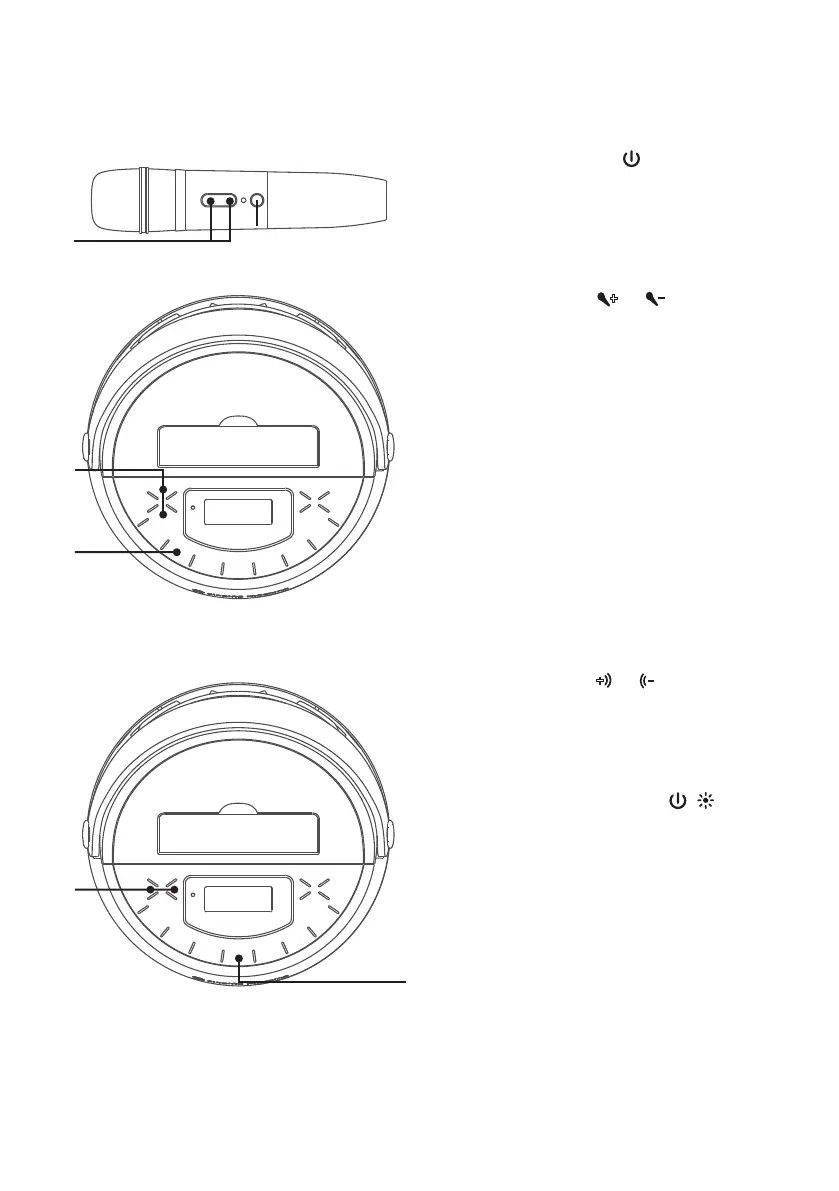
Press the button on the
microphone to turn on the mic.
9
Press the
or
buttons on unit
or mic a s desired.
Increasing this control will
increase the volume of the
microphone.
10
To sing without the lead singer on
the recording, press the VOCALS
OFF button. To resume the lead
singer, press again.
NOTE: Lead vocal removal might work
better on some songs than others.
11
Press the
or
button to add an
echo effect to your voice.
12
Press and hold the / button to
turn off the unit.
al
X
W
X










 To Next Page