EasyManua.ls Logo

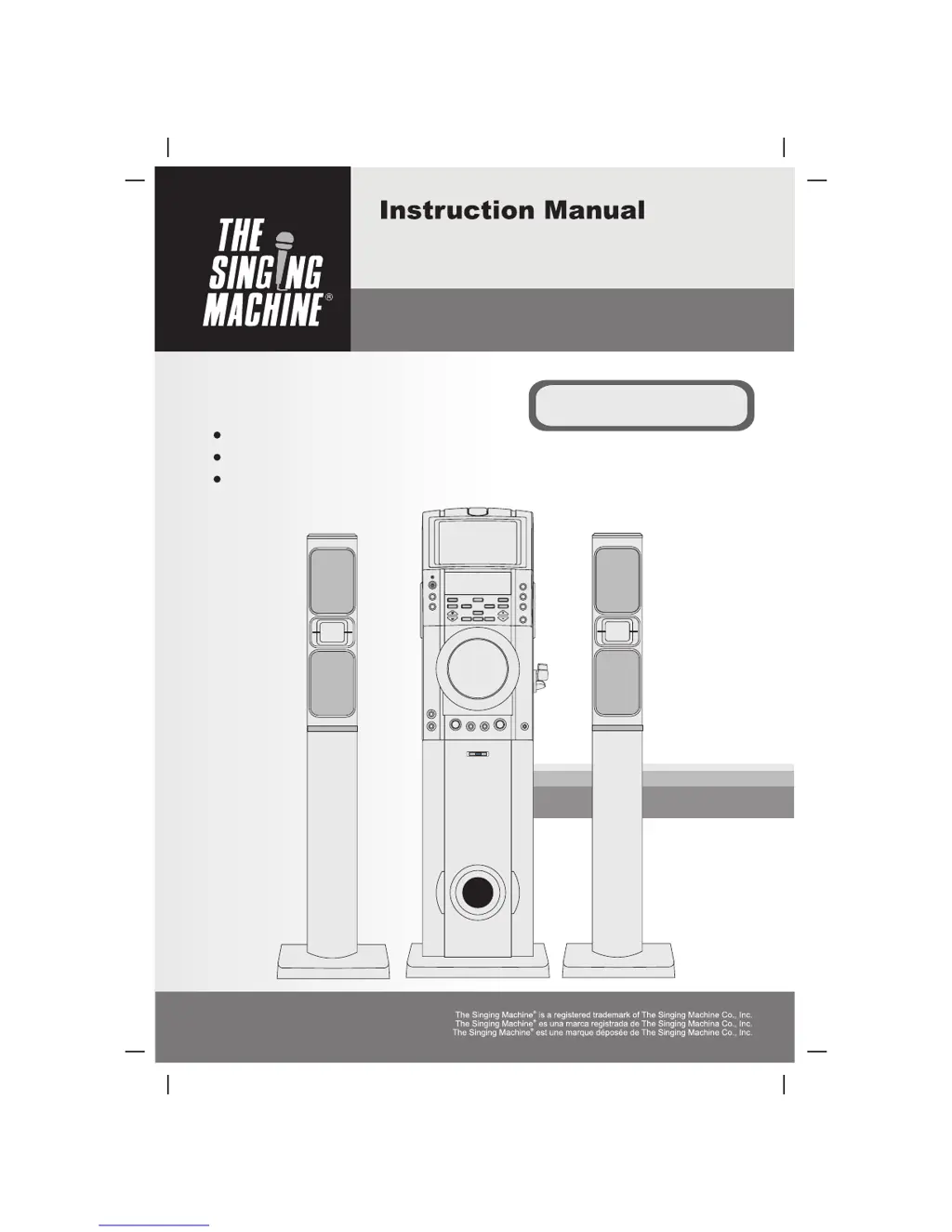
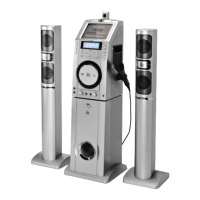
The Singing Machine STVD-1001 - User Manual

The Singing Machine STVD-1001
100 pages
Print Icon
To Next Page IconTo Next Page
Loading...
Please read before using this unit.
Lea antes de usar esta unidad.
Veuillez lire avant d'utiliser cet appareil.
DVD / CD+GRAPHICS KARAOKE SYSTEM
STVD-1001
Manual De Instrucción
Manuel D'instruction
SISTEMA DE KARAOKÊ COM CD + IMAGEM / DVD
SYSTÈME DE KARAOKE DE DVD/CD + GRAPHICS
THE LEADER IN HOME KARAOKE AND BEYOND
TM

Table of Contents

Questions and Answers

  • T
    Tammy HancockJul 30, 2025
    What to do if there is no sound from TV/PA with The Singing Machine Karaoke System?
    • F
      fhansenJul 30, 2025
      If you're getting no sound from your TV or PA system when using The Singing Machine Karaoke System, there could be several reasons. First, check if the mute button is activated and press it again to deactivate it. Ensure the volume on your TV or PA system is turned up from the minimum. Verify that the correct function is selected on your Karaoke System. Also, make sure that the vocal or audio settings are properly adjusted. Finally, ensure that the white and red RCA cords are securely inserted into both The Singing Machine and the TV/PA system.
  • S
    Savannah RussellAug 3, 2025
    What to do if DVD player cannot work normally on The Singing Machine STVD-1001 Karaoke System?
    • A
      Angela QuinnAug 3, 2025
      If the DVD player on your Singing Machine Karaoke System isn't working correctly or displays “aaa”, “aa”, or “a aa”, try these steps: First, make sure the disc is inserted correctly, with the label side up. If the disc is dirty, gently wipe it clean with a soft cloth. Scratched or warped discs may not play properly, so try a new one. Ensure you are using a standard disc. If moisture has formed inside the disc compartment, wait 20 to 30 minutes for it to dry out. Finally, try resetting The Singing Machine by disconnecting it from the power source for 30 seconds.
  • K
    klopezAug 8, 2025
    How to display song lyrics on The Singing Machine STVD-1001 Karaoke System?
    • D
      Dr. Justin FrancisAug 9, 2025
      If you're not seeing song lyrics on the screen when using The Singing Machine Karaoke System, ensure the video cable (yellow) is correctly connected from the VIDEO OUT of the Singing Machine to the VIDEO IN of your TV. Also, make sure the source selector on your TV is set to VIDEO. If your TV doesn't have a video line input, connect the system's VIDEO OUT to the VIDEO IN of your VCR, or use an RF modulator connected to the TV cable input. Lastly, if you've loaded a disc, make sure it's clean.
  • W
    William StewartAug 13, 2025
    What to do if no sound when using The Singing Machine STVD-1001 with home stereo?
    • J
      Jonathan PerezAug 13, 2025
      When using The Singing Machine Karaoke System with a home stereo, if you're not getting any sound, ensure that the source selection on your stereo is set to AUX IN. Also, verify that the white and red patch cords are securely inserted into both The Singing Machine and the home stereo system.
  • C
    Christopher HarrisAug 19, 2025
    Why does the music or vocal cut out on The Singing Machine STVD-1001?
    • J
      Jessica FullerAug 19, 2025
      If you're experiencing music or vocal cutouts while playing a CDG and singing with the microphone on The Singing Machine Karaoke System, adjust the balance to the midpoint. Also, adjust the AVC to the minimum setting. Ensure you're playing a track that includes both music and vocals.
  • J
    Jessica BurtonAug 25, 2025
    What to do if no sound when using The Singing Machine Karaoke System with TV or VCR?
    • K
      kinglauraAug 25, 2025
      If you're not getting any sound when using The Singing Machine Karaoke System through your TV or VCR, ensure that the source selection on your TV or VCR is correctly set. Also, make sure the white and red patch cords are securely inserted into both The Singing Machine and the TV/VCR.

Summary

Notes on Discs

Playable Discs

Lists compatible disc types and their characteristics for the karaoke system.

Disc Types

Explains the data structure of DVD, CDG, and Audio CD formats for playback.

Control Locations

Front View

Identifies and labels all controls and indicators on the front panel of the main unit.

Rear View

Identifies and labels all input/output ports on the rear panel of the main unit.

Subwoofer

Front View

Details the front view of the subwoofer, including the power button and speaker.

Rear View

Details the rear view of the subwoofer, including connections and volume control.

LCD Display & Wireless Microphone

LCD Display

Explains the meaning of various icons and displays shown on the unit's LCD screen.

Wireless Microphone

Describes the operation, settings, and components of the wireless microphone.

Connections

Connect Main Unit to Subwoofer

Instructions for physically connecting the main unit and the subwoofer together.

Connect Speakers to the Main Unit

Instructions for connecting the tower speakers to the main unit's audio outputs.

Connecting Power

Guide on how to safely connect the karaoke system to a power outlet.

Connecting to a Video System

Steps to connect the unit to a TV or VCR for viewing DVD or CDG content.

Connecting to an Audio System

Instructions for connecting external audio sources to the karaoke system.

Initial Setup

General Setup

Configures display aspect ratio, angle marks, OSD language, captions, screen saver, and last memory.

Audio Setup

Adjusts audio settings like speaker configuration, downmix options, and digital audio output format.

Video Setup

Allows adjustment of video output sharpness, brightness, and contrast for optimal picture quality.

Preference Setup

Manages parental control ratings, user password, and resets the unit to factory defaults.

Basic Operation

Basic Playback

Covers fundamental operations like playing, stopping, removing discs, and controlling volume.

Other Functions

Details advanced playback controls such as repeat, speed adjustments, subtitle/audio selection, and echo effects.

Care and Maintenance

Cleaning Disc

Provides instructions on how to properly clean discs to maintain playback quality and prevent damage.

Trouble Shooting Guide

Specifications

Audio Section

Lists the maximum power output and impedance for the tower speakers and subwoofer.

DVD Player Section

Details the technical specifications for the DVD player's performance, including frequency response and noise ratio.

Monitor Section

Specifies the type, resolution, and system of the built-in black and white TV monitor.

Microphone

Provides the impedance and type of the included dynamic microphone.

Power Section

Lists the electrical requirements for operating the karaoke system.

Dimensions

Lists the physical dimensions (Height x Width x Depth) of the main unit, subwoofer, and tower speakers.

Weight

Lists the weight of the main unit, subwoofer, and tower speakers in kilograms and pounds.

Accessories

Lists all items included in the product package, such as the remote control and cables.

The Singing Machine STVD-1001 Specifications

General IconGeneral
BrandThe Singing Machine
ModelSTVD-1001
CategoryKaraoke System
LanguageEnglish

Related product manuals