
 Need help?
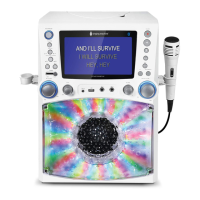
Do you have a question about the The Singing Machine STVG785BTW and is the answer not in the manual?
Covers precautions for electric shock, laser, and general operation hazards.
Details critical safety instructions for user operation and maintenance.
Explains how to connect microphones to the unit's MIC jacks.
Guides on connecting the unit to a TV for video and audio output.
Steps to connect the unit and insert a USB flash drive.
Steps to enable and pair a Bluetooth device with the unit.
Instructions for selecting the 'Singing Machine' and confirming connection.
How to control playback and volume from the unit or Bluetooth device.
Steps to connect an external unit to the LINE IN jack.
How to select LINE IN mode and adjust volume.
Solutions for issues related to power and general sound problems.
Solutions for microphone not working and USB playback problems.
Solutions for Bluetooth pairing problems and recording failures.
 General
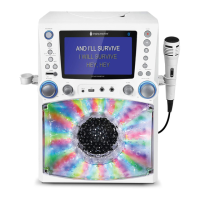
| Brand | The Singing Machine |
|---|---|
| Model | STVG785BTW |
| Category | Karaoke System |
| Language | English |







 To Next Page