— 8 —
5
7
8
9
6
Operation
Playing a CD (Continued)
5
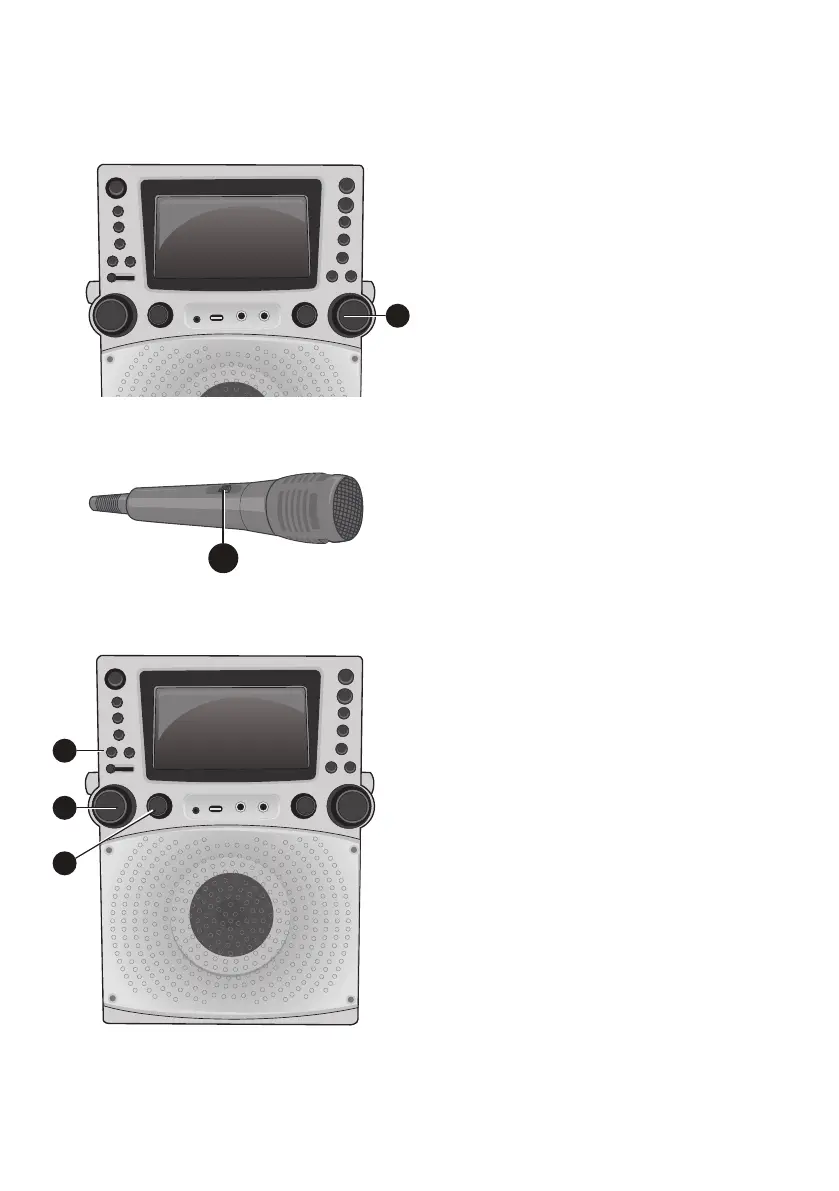
Adjust the volume to a comfortable
level using the MASTER VOLUME
control.
6
Connect microphone(s) as shown
on page 5, and slide the ON/OFF
switch on the microphone to the ON
position.
7
Adjust the MIC VOLUME control
as desired. Increasing this control
will increase the volume of both
microphones.
8
Rotate the ECHO control to add an echo
effect to your voice. Rotate towards
MAX to increase the echo effect.
9
Adjust the Key using the KEY +/
and KEY –/ buttons to obtain the
best key for the singer.








 To Next Page