EasyManua.ls Logo

The Singing Machine STVD-919 - User Manual

The Singing Machine STVD-919
32 pages
Print Icon
To Next Page IconTo Next Page
Loading...
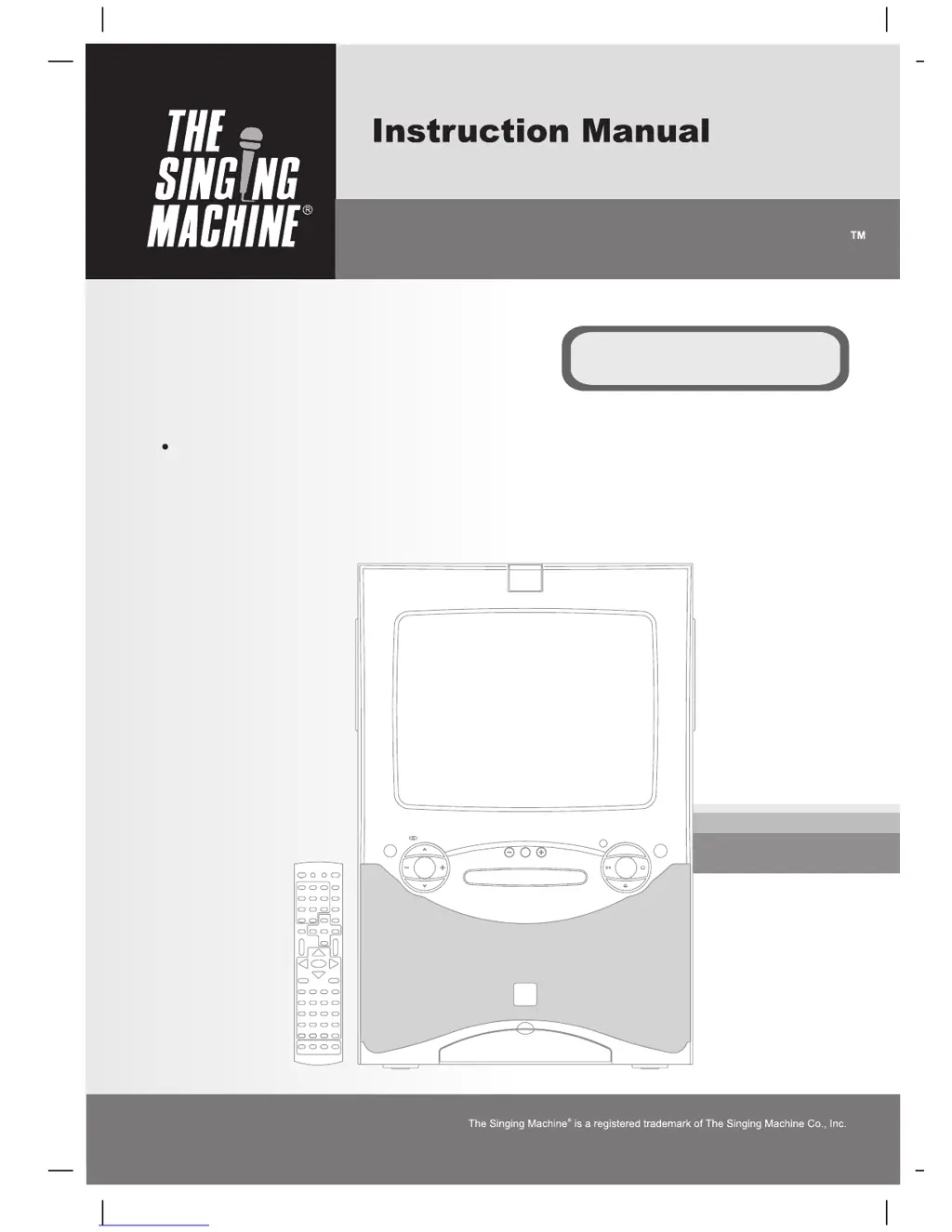
STVD-919
Please read before using this unit.
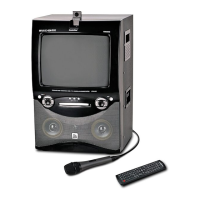
DVD / CD+GRAPHICS WITH BUILT-IN 13.5” COLOR TV AND VIDEO
CAMERA KARAOKE SYSTEM
THE LEADER IN HOME KARAOKE AND BEYONDTHE LEADER IN HOME KARAOKE AND BEYOND

Questions and Answers

  • B
    Bryan BurkeAug 18, 2025
    Why is there no sound from my The Singing Machine STVD-919?
    • C
      courtneyparsonsAug 18, 2025
      If you're not getting any sound from your Karaoke System, make sure the volume isn't set too low. Try turning up the volume. Also, check if the muting button is pressed; if it is, press it again to unmute the system.
  • C
    Claudia WaltonAug 20, 2025
    What to do if my The Singing Machine STVD-919 has no power?
    • R
      Rhonda TorresAug 20, 2025
      If your Karaoke System isn't turning on, make sure the power plug is securely inserted into the AC outlet.
  • M
    Michael BrockAug 23, 2025
    Why are no song lyrics appearing on the screen of my The Singing Machine Karaoke System when connected to another video component?
    • W
      williamclarkAug 23, 2025
      If you're not seeing lyrics, ensure the video cable (Yellow) is connected properly from the Karaoke System’s VIDEO OUT to the video component VIDEO IN. Also, check that the source selector on your video component is set to VIDEO. If your video component lacks a video line input, connect from VIDEO OUT of the system to the VIDEO IN of your VCR, or use an RF Modulator.
  • C
    Christopher OwensAug 26, 2025
    How to fix no sound from The Singing Machine STVD-919 Karaoke System when connected to TV or PA?
    • M
      Michael StevensAug 26, 2025
      If you're not getting sound through your TV or PA system, first check that the volume isn't set too low on the TV or PA system itself; turn it up. Ensure the TV or PA system is powered on. Also, make sure you've selected the correct function and the correct vocal or audio setting. Verify that the white and red patch cords are securely connected to both the Karaoke System and the TV/PA system and that the video cable is connected to the Video input jack with the Audio connections.
  • G
    garciabrittanyAug 28, 2025
    What to do if my The Singing Machine STVD-919 remote control isn't working?
    • S
      simpsonallenAug 28, 2025
      If the remote isn't working, aim it directly at the Remote Sensor on the front of the Karaoke System. Make sure you're not too far away from the machine. Try replacing the batteries in the remote control, ensuring they are inserted correctly with the proper polarities (+/- signs).
  • H
    hernandezronnieAug 31, 2025
    How to resolve disc function issues on my The Singing Machine STVD-919?
    • V
      Valerie JohnsonAug 31, 2025
      If the disc function isn't working right, make sure the disc is inserted correctly (not upside down). If the disc is dirty, wipe it clean with a soft cloth. If it's scratched or warped, try using a new disc. Ensure you're using a standard disc. If moisture has formed inside the disc compartment, wait about 20 to 30 minutes to let it dry out. As a last resort, disconnect the Karaoke System from the power source for 30 seconds, then reconnect it.
  • K
    Kevin KingSep 2, 2025
    Why is there no sound from my The Singing Machine STVD-919 when connected to a home stereo?
    • P
      Patrick RussoSep 2, 2025
      If you're not getting sound when connected to a home stereo, check that the source selection on your home stereo is set to AUX IN. Ensure the white and red patch cords are securely inserted into both the Karaoke System and the home stereo system.
  • J
    Jessica AguilarSep 4, 2025
    What to do if my The Singing Machine Karaoke System has no image when using the camera?
    • S
      samantha17Sep 5, 2025
      If you're not seeing an image when using the camera, first ensure the Karaoke System is in DVD mode by pressing the TV/AV/DVD or TV/DVD button. Then, lift up the camera lens and remove the lens cap. Also, press the camera button on the remote control to set the Karaoke System to camera mode. Finally, ensure that the lens cap is removed from the camera.
  • D
    denise28Sep 7, 2025
    How to resolve music or vocal cut outs on my The Singing Machine STVD-919 Karaoke System while using the microphone?
    • K
      kimberly85Sep 7, 2025
      If the music or vocals cut out while singing with the microphone, check if AVC is activated unintentionally and deactivate it. Also, ensure you're playing a track that includes both music and vocals, not just a music-only track. Finally, press the AUDIO button on the remote control to restore the STEREO setting if the audio channel is set to LEFT.
  • S
    Stephanie ClarkSep 9, 2025
    How to fix no sound on The Singing Machine STVD-919 Karaoke System when audio is going through VCR?
    • S
      Scott SimmonsSep 9, 2025
      If you're not getting sound when the audio is going through a VCR, ensure the source selection on the VCR is correct. Make sure the white and red patch cords are securely inserted into both The Singing Machine and the VCR.

Summary

WARNINGS AND SAFETY PRECAUTIONS

General Safety Precautions

Protect unit from fire, shock hazard, rain, moisture, and ensure proper ventilation.

IMPORTANT SAFETY INSTRUCTIONS

User Safety Guidelines

Comprehensive instructions for safe operation, including reading manual, avoiding water, cleaning, and proper placement.

NOTES ON DISCS - PLAYABLE FORMATS

Playable Disc Formats

Details compatible disc formats including DVD, CDG, Audio CD, CD-R/RW, MP3, and JPG.

CONTROL LOCATIONS - FRONT VIEW

Front Panel Controls and Jacks

Identifies and describes buttons and jacks located on the front of the Singing Machine.

CONTROL LOCATIONS - SIDE AND REAR VIEWS

Rear Panel Connection Ports

Identifies and describes various input and output jacks on the rear panel.

REMOTE CONTROL GUIDE

Remote Control Layout and Functions

Details the layout and numbering of all buttons on the remote control.

CONNECTIONS - BASIC SETUP

Power, Headphone, and Instrument Connections

Instructions for connecting power, headphones, guitars, and keyboards.

CONNECTIONS - INDEPENDENT VIDEO OUTPUT

CONNECTIONS - VIDEO INPUT

CONNECTIONS - AUDIO AND ANTENNA

DISC FUNCTION SETUP - SYSTEM AND LANGUAGE

System Setup Options for Discs

Covers screen saver, TV type aspect ratio, password, and rating settings.

DISC FUNCTION SETUP - VIDEO AND DIGITAL

DISC FUNCTION - BASIC PLAYBACK

Disc Playback and Basic Controls

Instructions for playing, stopping, resuming, and removing discs.

DISC FUNCTION - ADVANCED OPERATIONS

DISC FUNCTION - OTHER FEATURES

Karaoke Functionalities and Vision

Details mic volume, echo, key control, auto voice control, and karaoke vision.

CARE AND MAINTENANCE

Unit and Laser Lens Cleaning Procedures

Instructions for cleaning the exterior unit and the CD laser lens.

TROUBLE SHOOTING - POWER, SOUND, AND DISCS

Power and Sound Issue Resolution

Solutions for problems like no power, no sound, or sound issues with TV/PA.

Disc Playback and Audio Connectivity Issues

Addresses issues with disc function, audio connection, and AVC activation.

TROUBLE SHOOTING - VIDEO AND CAMERA

Video Display and Remote Control Problems

Solutions for no lyrics, player not responding to remote, and image issues.

Camera and Image Quality Troubleshooting

Troubleshooting for camera display, blurry images, and song lyric display.

The Singing Machine STVD-919 Specifications

General IconGeneral
BrandThe Singing Machine
ModelSTVD-919
CategoryKaraoke System
LanguageEnglish

Related product manuals