— E20 —
Operation
Using the LINE IN Jack (Continued)
6
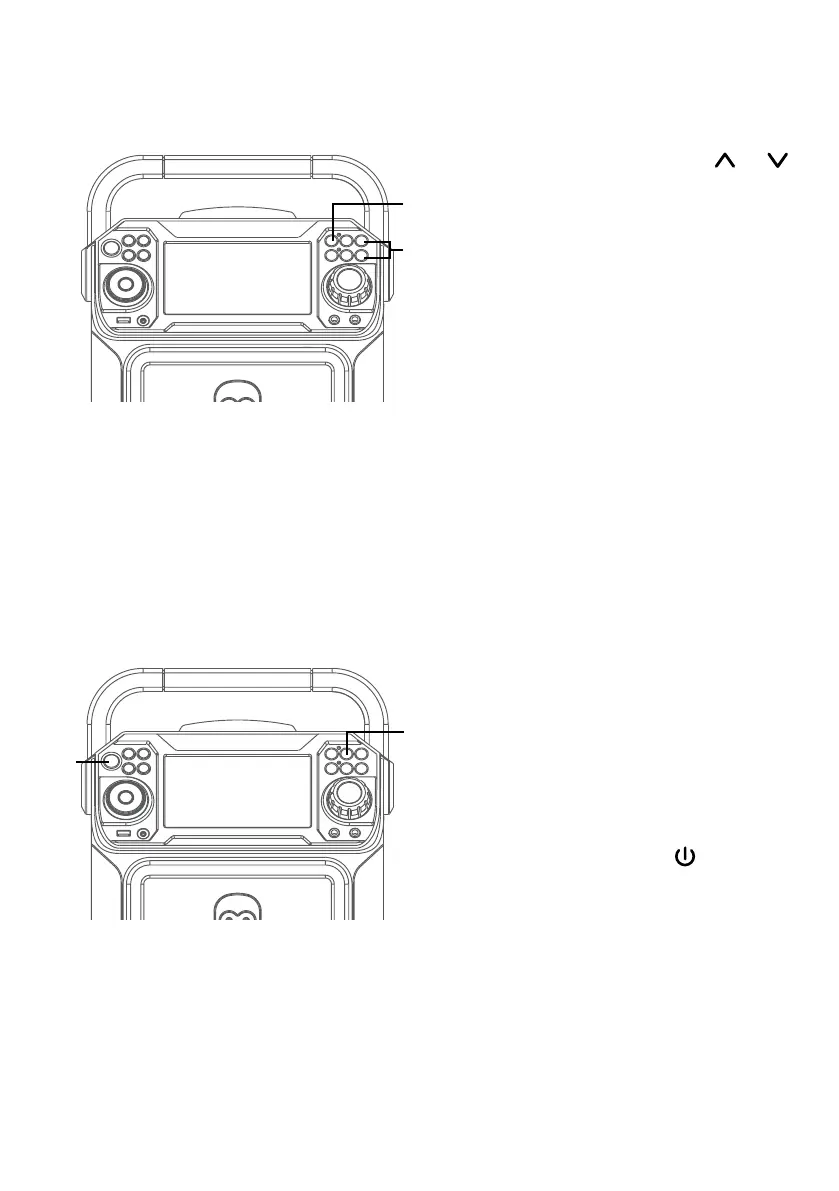
Pressing MIC VOLUME or
button to adjust the mic volume
as desired. Increase this control
will increase the volume of both
microphones.
7
RECORDING YOUR SINGING:
Insert a USB drive first, then
press the REC button; the song
will start over and recording will
begin. The recording indicator
will light solid. REC with track
progress in percentage will
appear at the top left of the
screen. When done recording,
press the REC button again to
stop recording. The recording
indicator will turn off.
See “
Playing Songs from the
USB”
to play back your recorded
files saved in the USB flash drive.
8
VOICE EFFECTS: Repeatedly
press the VOICE EFFECT button
to select from ECHO, FEMALE,
MALE, CHIPMUNK, ROBOT or
RADIO vocal effects. Select NONE
to sing without any voice effect.
9
Press the ON/OFF button
to turn the unit off. The power
indicator will off.
X
V
U
W











 To Next Page