Therm-App MD User Manual
-------------------------------------------------------------------------------------------------------------------------------------------------------------------------
------------------------------------------------------------------------------------------------------------------------------------------------------------
Page 12 of 23
5.4 Main Menu Options
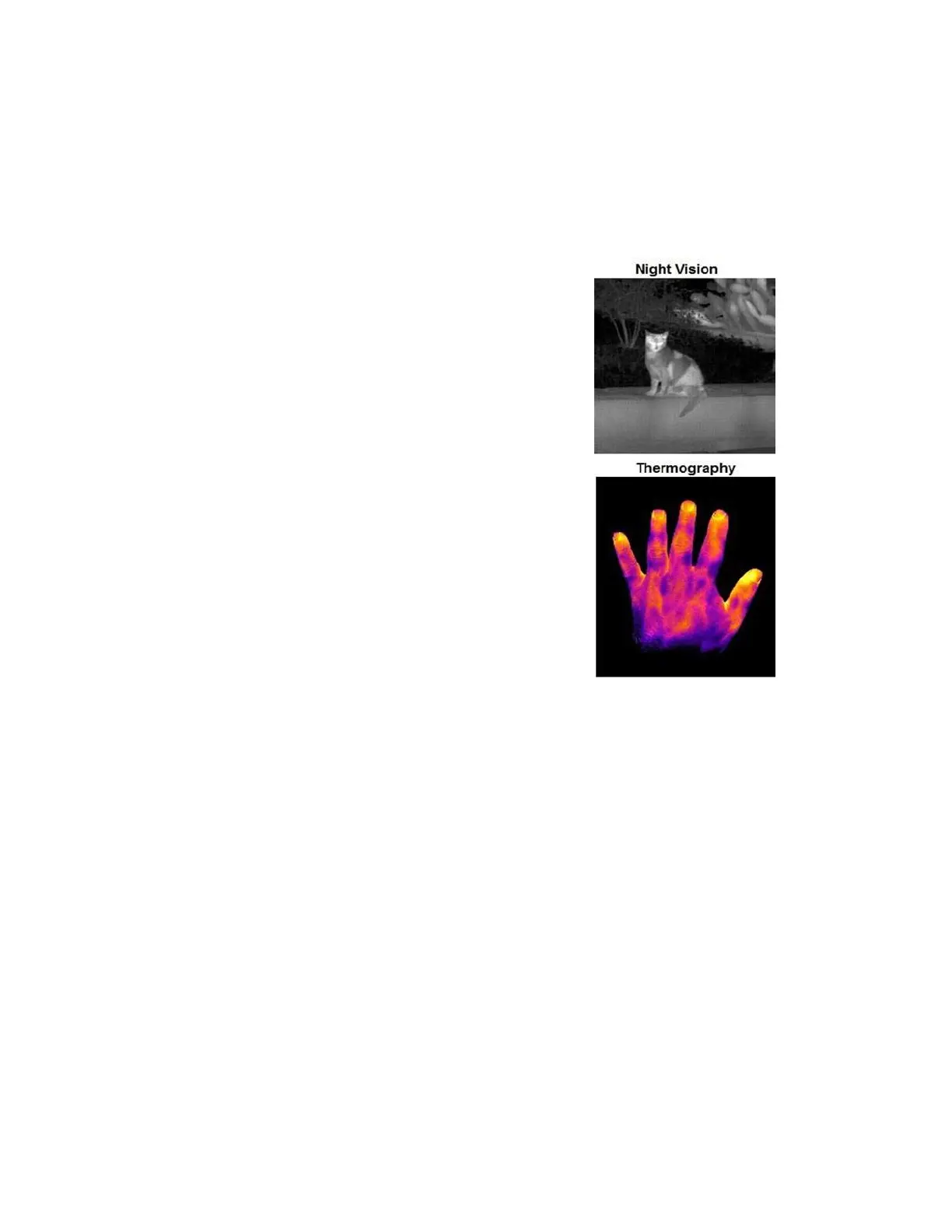
Imaging Mode
◼ Night Vision – This mode maximizes the difference
between hot objects and their surrounding and is used for
night-time detection of various targets. Imaging Mode –
switches between "Night Vision" and "Thermography"
modes.
◼ Thermography – Image pixels are colored in relation to
their temperature. On the default rainbow palette, blue
indicates the coldest measured temperature and red
represents the hottest temperature measured. This mode
is used for searching for temperature differences on the
scanned scene.


 To Next Page