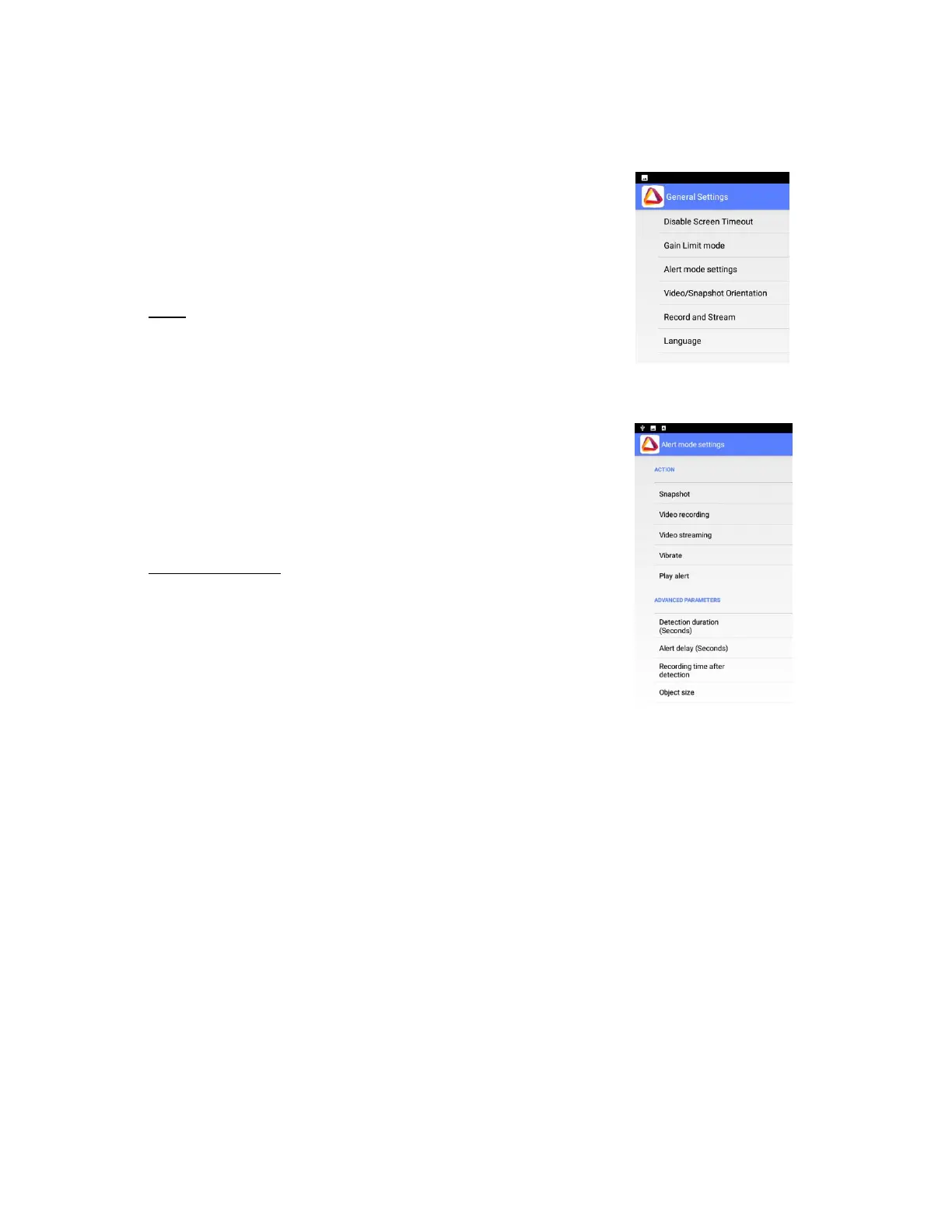
◼ Disable Screen Timeout – Allows the device’s default screen
timeout to be disabled to enable ongoing use of Therm-App®
(only valid when Therm-App® is connected and image is shown).
◼ Gain Limit Mode - Therm-App® is using noise filter by averaging
frames for temporal noise reduction.
◼ Alert Mode Settings – Allows you to configure Alert Mode
settings.
➢ Action - Allows you to define Snapshot, Video Recording,
Video Streaming, Vibrate and Play Alert.
o Snapshot - A snapshot is taken every time the preset
temperature threshold is met
o Video Recording: Will record video for as long as the
temperature meets the preset value. (recordings are
stored under date and time file name).
o Video Streaming: Will stream to a pre-set location for as
long as the temperature meets the assigned value.
o Vibrate: Will vibrate every time the preset temperature
threshold is met.
o Play alert: Plays an audio file alert every time the assigned
temperature threshold is met.
➢ Advanced Parameters:
o Detection Duration (Seconds): Sets how long the object
needs to be in the set field to trigger the alert.
o Alert Delay (Seconds): How long Therm-App® should wait
to send consecutive alerts after the first alert is triggered
(time between alerts).
o Recording Time After Detection: How long you want to
continue recording after the person or object leaves the
field of view.
o Object Size: Sets the minimum size of the object that will
trigger the alert:
(“Small”- 4x4 pixels, “Medium small”- 8x8 pixels, “Medium
big”- 16x16 pixels, or “Big”- 32x32 pixels).


 To Next Page