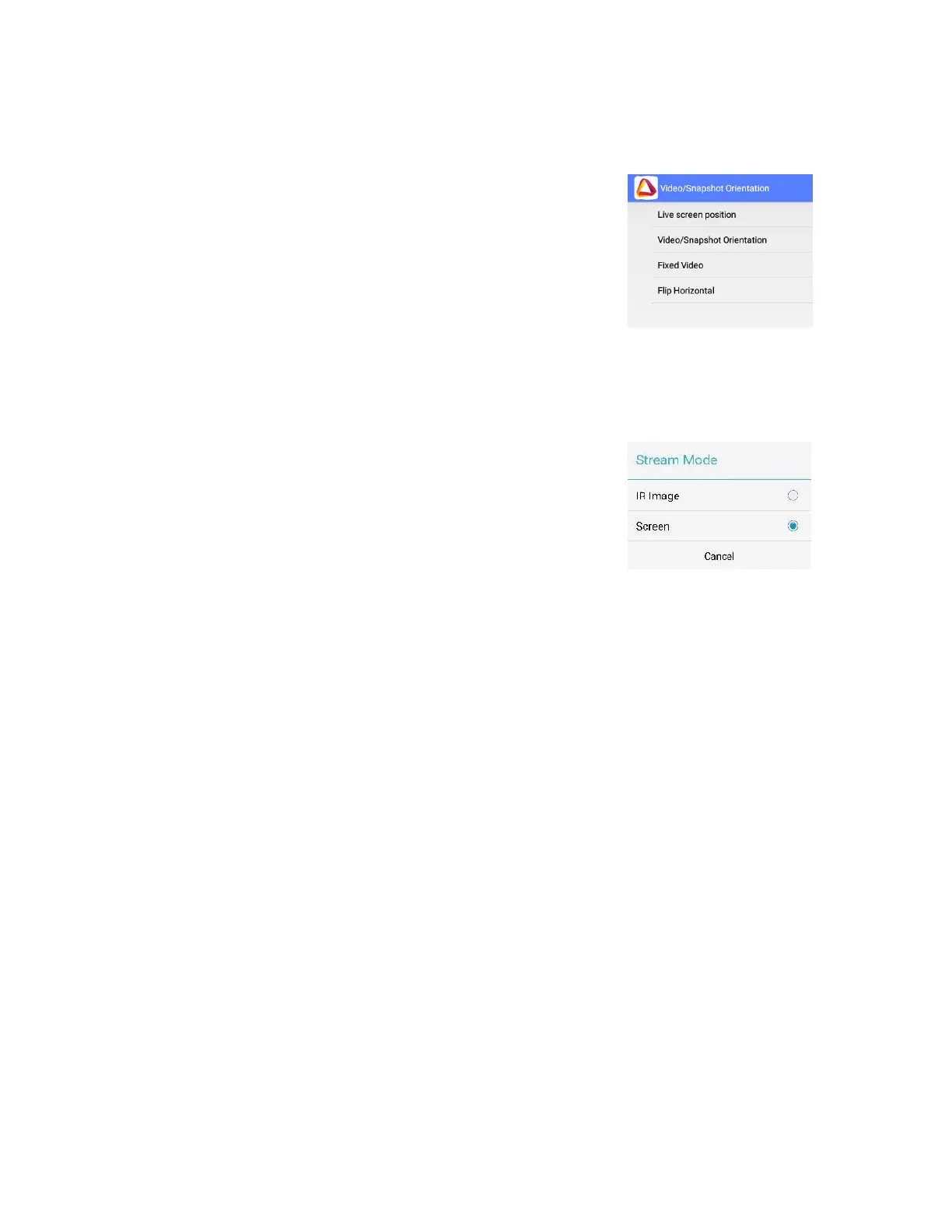
◼ Video Snapshot Orientation – This lets you choose your
viewing orientation, both while using the device and while
viewing onscreen (on a display).
o Live Screen Position: Allows you to set the viewing
orientation for the live screen.
o Video/Snapshot Orientation: Allows you to set the
viewing orientation for videos or snapshots.
o Fixed Video: Blocks screen rotation (if supported by the
device).
◼ Record and stream - This mode will allow you to record IR Image
or the Screen. In addition to video recording it is possible to add
Audio recording (only for devices that have built in microphone).
Recordings files will be stored in hard disc with date and time
files names.
➢ Stream Mode: Share just the image, or your full screen.
- IR Image (just the thermal image).
- Screen (thermal video, app screen details, and temperature
reading).
➢ Record and Stream Audio: Check box to record audio with
video
Video streaming means that live video will be sent over an Internet
connection from the android device to any other device (SBC,
Tablet, Smartphone) connected to The Internet. Multiple devices
can view the stream from a single Therm-App®. A solid Internet
connection is required to obtain good video quality.
To activate streaming:
◼ On your Therm-App® application, click the icon on the
bottom right side.
◼ Choose the way(s) you wish to share your stream with
your friends. A message with a link will be sent to them.
◼ To watch the live stream on a computer, tablet, or
smartphone, click the link.
*Please note that some browsers will have problem showing
the video since an add-on is required.
◼ Alternatively, go to http://live.therm-app.com and in the
room number field, enter your device serial number
(appears on the settings menu).


 To Next Page