Therm-App MD User Manual
-------------------------------------------------------------------------------------------------------------------------------------------------------------------------
------------------------------------------------------------------------------------------------------------------------------------------------------------
Page 17 of 23
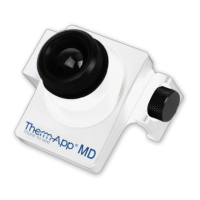
5.7 Export/Save Options
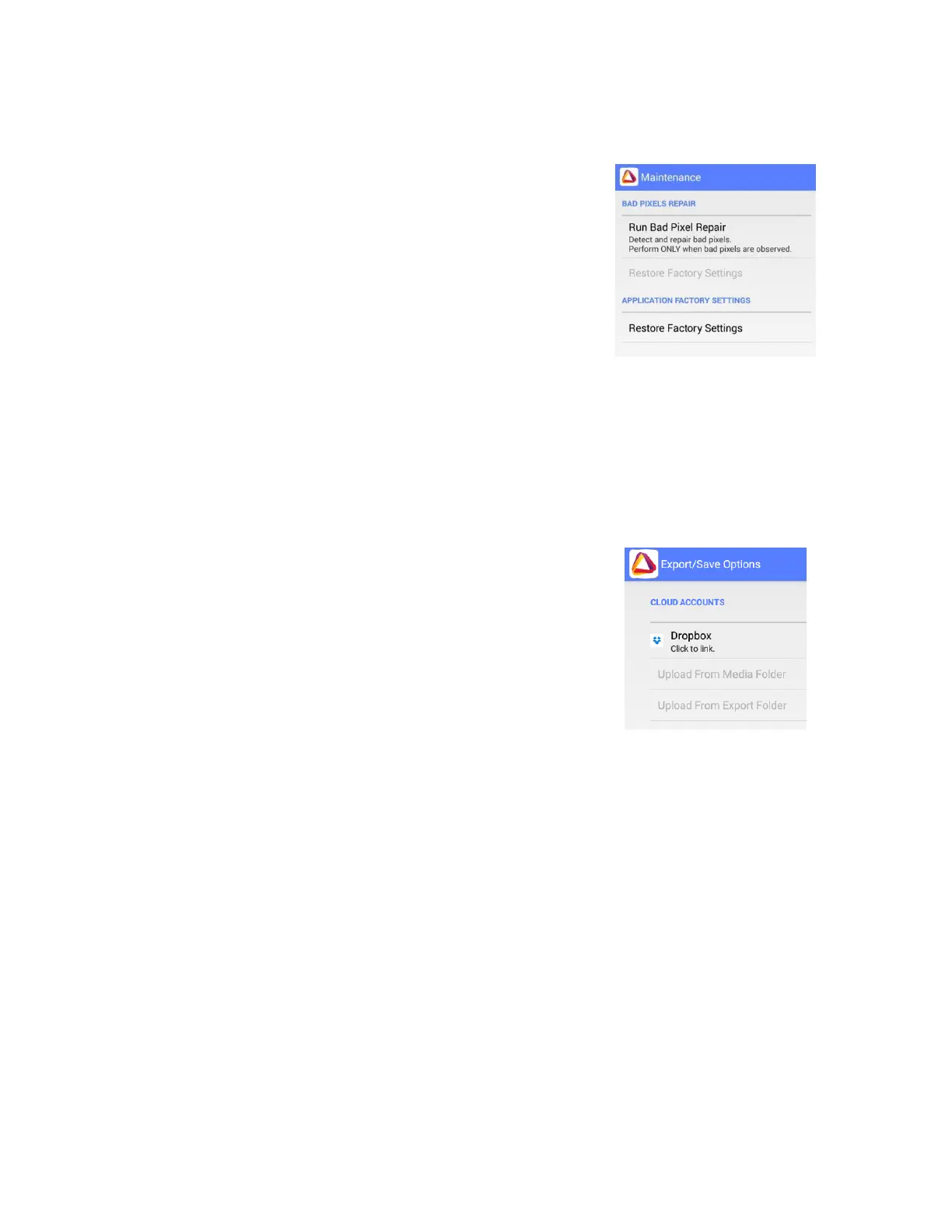
5.8 Maintenance
◼ Following extensive operation of the thermal
sensor, or due to mechanical shock, some pixels
may need digital repair. Bad pixels are observed as
pixels that are darker or brighter than their
surroundings. To eliminate these "bad pixels" press
Run Bad Pixel Repair > Start, and then follow the
onscreen instructions.
Under Cloud Accounts options you will find the Dropbox
option.
◼ Dropbox – allow you to upload files to Dropbox.
o Download Dropbox Application and install it.
o Create a Dropbox account.
o By clicking on Dropbox icon link between your
Dropbox account and the device.


 To Next Page