Maintenance
Dismantling and Cleaning Procedures
10-4 Prima PRO & Sentinel PRO Mass Spectrometers User Guide Thermo Fisher Scientific
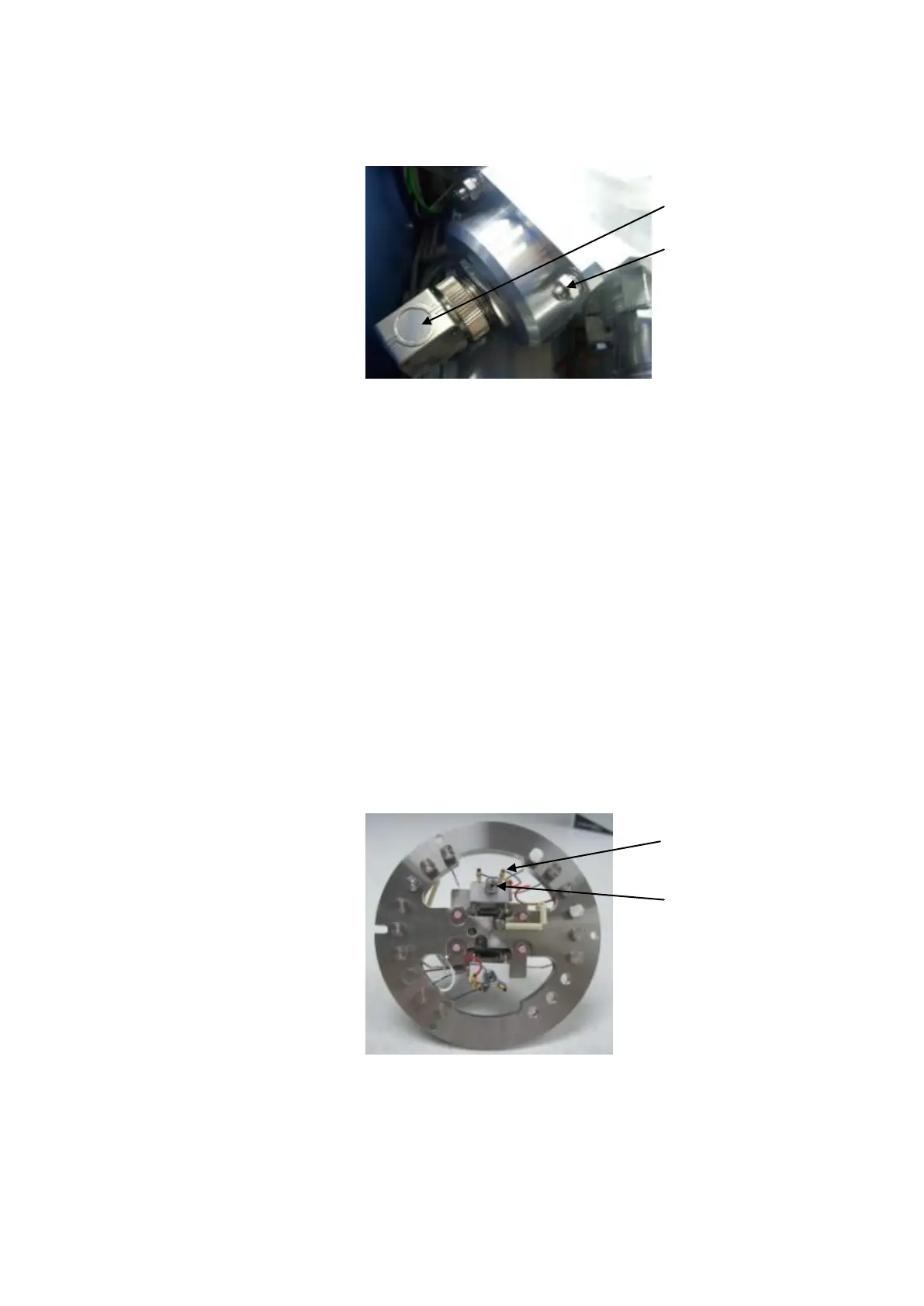
3. Remove the source connector and 4 x M6 nuts shown in Figure
10–3.
Figure 10–3. Removing the source connector and 4 x M6
nuts
4. Carefully lift the source flange complete from the analyser
chamber.
5. Remove the 3 x M3 cap heads that secure the source connection
ring in the analyser housing and carefully withdraw the source.
Note: The filaments are positioned against a “stop” on one side
and are “hooked” over the anodized aluminium insulating plates.
They are secured by slotted knurled nuts. The filament supply
and trap leads are connected to the filament assembly pins by
gold socket connectors. Note the position of the three connectors.
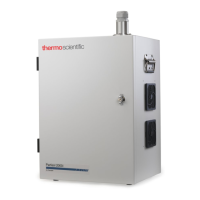
6. Remove the socket connectors from the failed filament assembly
and the knurled nut. See Figure 10–4.
Figure 10–4. Removing the failed filament
7. Using tweezers, withdraw the filament.
4 x M6 nuts that secure
the source flange to the
source housing.





 To Next Page