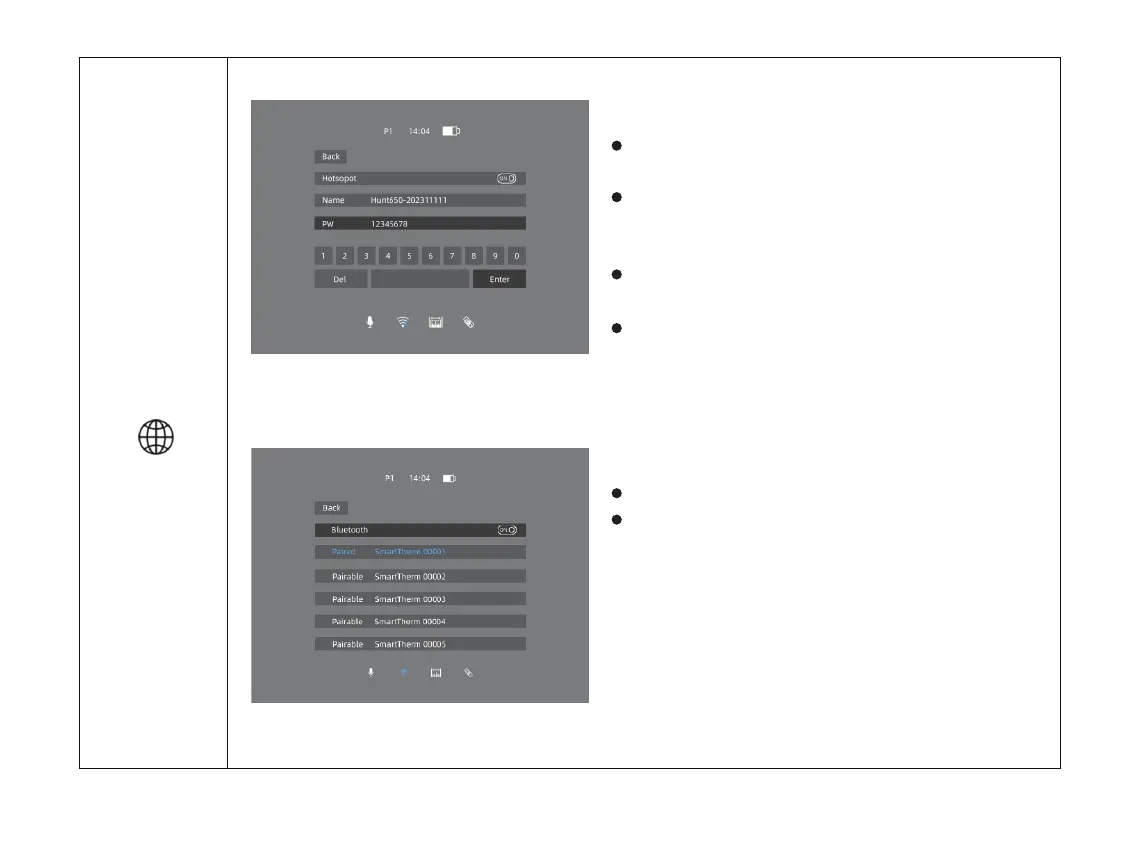
Double click the menu button “M” to enter the
main menu.
Select the Hotspot option with the “+ / -” button.
Short press menu button “M” to enter Hotspot
Settings.
The icon will be turned into blue when Hotspot is
selected.
When Hotspot is on, it can be connected with
“Smart Thermal” APP. The default password is
12345678.
Turn Hotspot function on/off
Connecting with Bluetooth is also available here.
After connecting, the device could be controlled via
“Smart Thermal” APP.
Turn the Bluetooth on/off
Hotspot
/
Bluetooth
22



 To Next Page