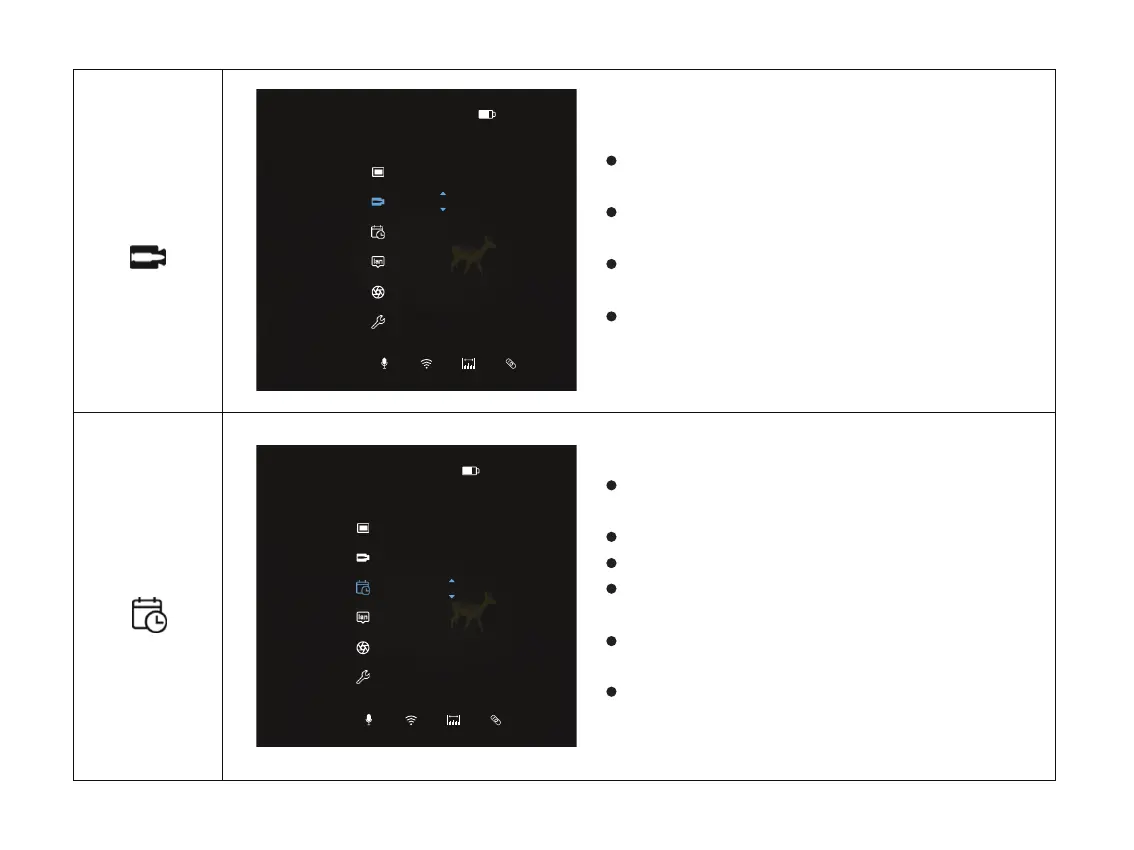
Double click the Menu button “M” to enter the
main menu.
Select the RAV option with the “+ / -” button. Short
press menu button “M” to enter RAV.
The icon will be turned into blue when RAV is
selected.
You can set whether to enable the RAV function or
set the trigger threshold for RAV.
Turn RAV function on/off
Double click the menu button “M” to enter the
main menu.
Select the Time option with the “+ / -” button.
Short press menu button “M” to enter Time.
The icon will be turned into blue when Time is
selected.
After entering the time setting page, you can set a
specific time.
Short press the menu button “M” to exit, or press
and hold the “M” to exit.
Set Time
Time
RAV
14:04P1
RAV/Threshold
ON 20
14:04P1
16:152023/02/06
Time and date
26



 To Next Page