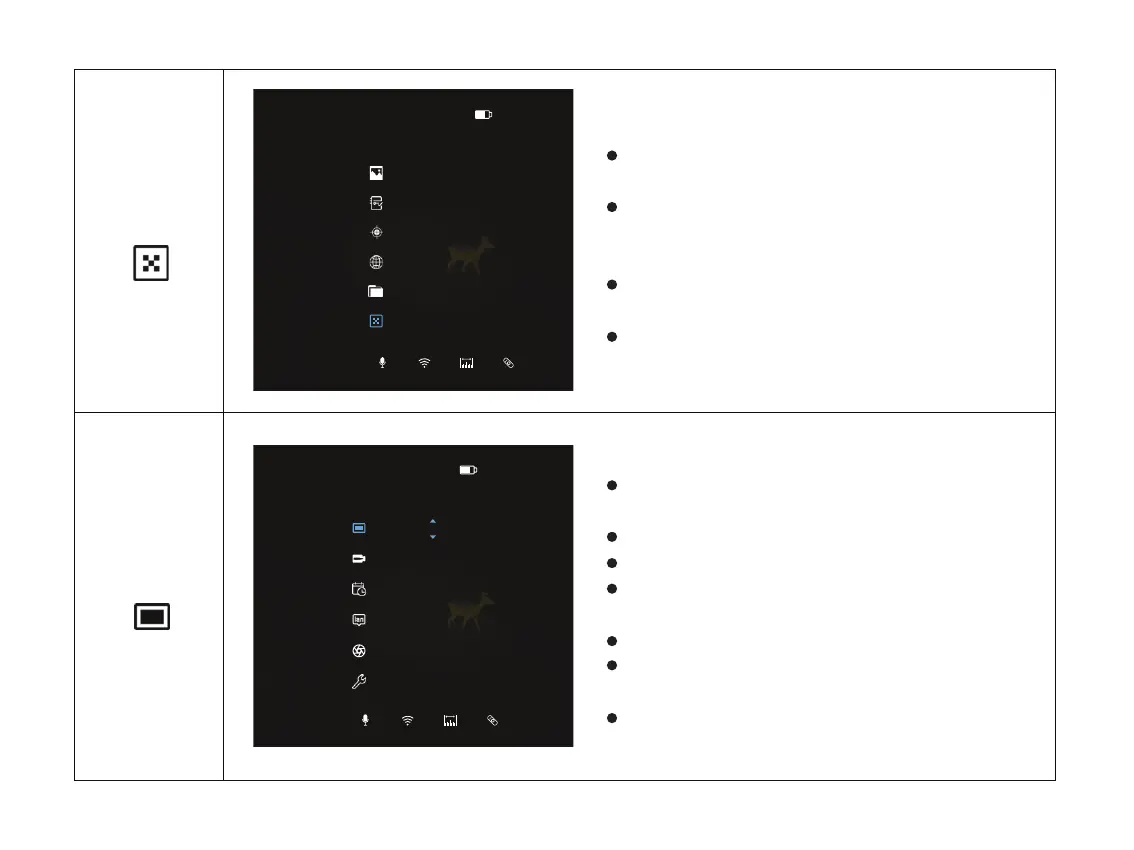
Double click the menu button “M” to enter the
main menu.
Select the Blind Pixel option with the “+ / -”
button. Short press menu button “M” to enter
Blind Pixel.
The icon will be turned into blue when Blind Pixel
is selected.
Select the blind pixel and confirm the selection of
Cancel, Save or Replace.
Turn Blind Pixel function on/off
Double click the menu button “M” to enter the
main menu.
Select the OLED option with the “+ / -” button.
Short press menu button “M” to enter OLED.
The icon will be turned into blue when OLED is
selected.
Confirm OLED color and brightness level.
There are 4 palettes optional: Grey, Blue, Purple
and Red.
Short press the Menu button “M” to exit, or press
and hold the “M” to exit.
Set OLED
OLED
Blind Pixel
14:04P1
Cancel Save Replace
Blind Pixel/Cancel
14:04P1
Gray 3
OLED/Brightness
25



 To Next Page