19
VLC-3 rev.04
VLC-3
Mode I
Mode II
Values for both values range from 0 to 100%. Note that to disable this
feature, the on and off values must be set to the same value.
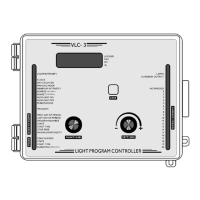
Turn the function selector until the AUXILIARY ON pilot light turns
on. The current value of the intensity is displayed.
Press the push-button. The current value of the intensity flashes.
Using the adjustment knob, adjust the intensity to the desired value.
Press the push-button to store the value in memory.
Light
Intensity
Time
AUX. OFF
AUX. ON
Time
Light
Intensity
AUX. OFF
AUX. ON


 To Next Page
 Loading...