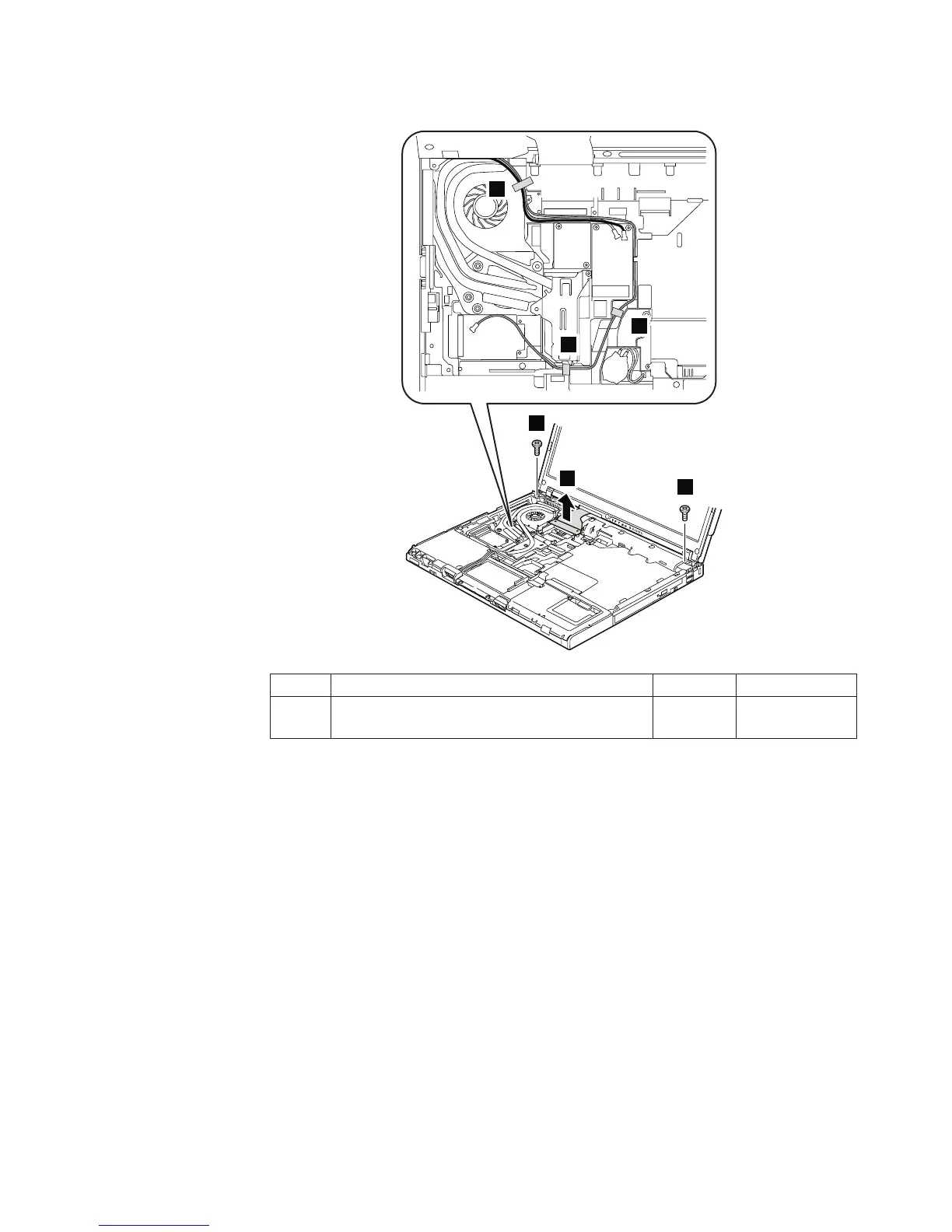
For models with 14.1-in. LCD:
3
3
2
4
4
4
Step Screw (quantity) Color Torque
3 M2 × 5 mm, flat-head, nylon-coated (2) Black 0.167 Nm
(1.7 kgfcm)
In step 4, strip off the tapes securing the antenna cables, and release the cables
from the cable guides of the frame.
When installing: Do not pinch the antenna cables when you attach the LCD
connector.
(continued)
Removing and replacing a FRU
ThinkPad T60 and T60p 91



 To Next Page