10 Secure!the!connection!between!the!module!and!the!factory!OBD!II!connector!that!is!
under!the!dashboard!or!on!the!side!panel!with!a!strap!so!that!it!does!not!impede!the!
ability!of!the!airbag!to!deploy!in!the!event!of!an!accident.!
!
11 Make!sure!that!all!vehicle!trimmings!removed!during!the!previous!steps!of!the!
installation!have!been!repositioned.!
!
!
The)steps)below)are)only)necessary)if)the)optional)rear)camera)is)installed)
)
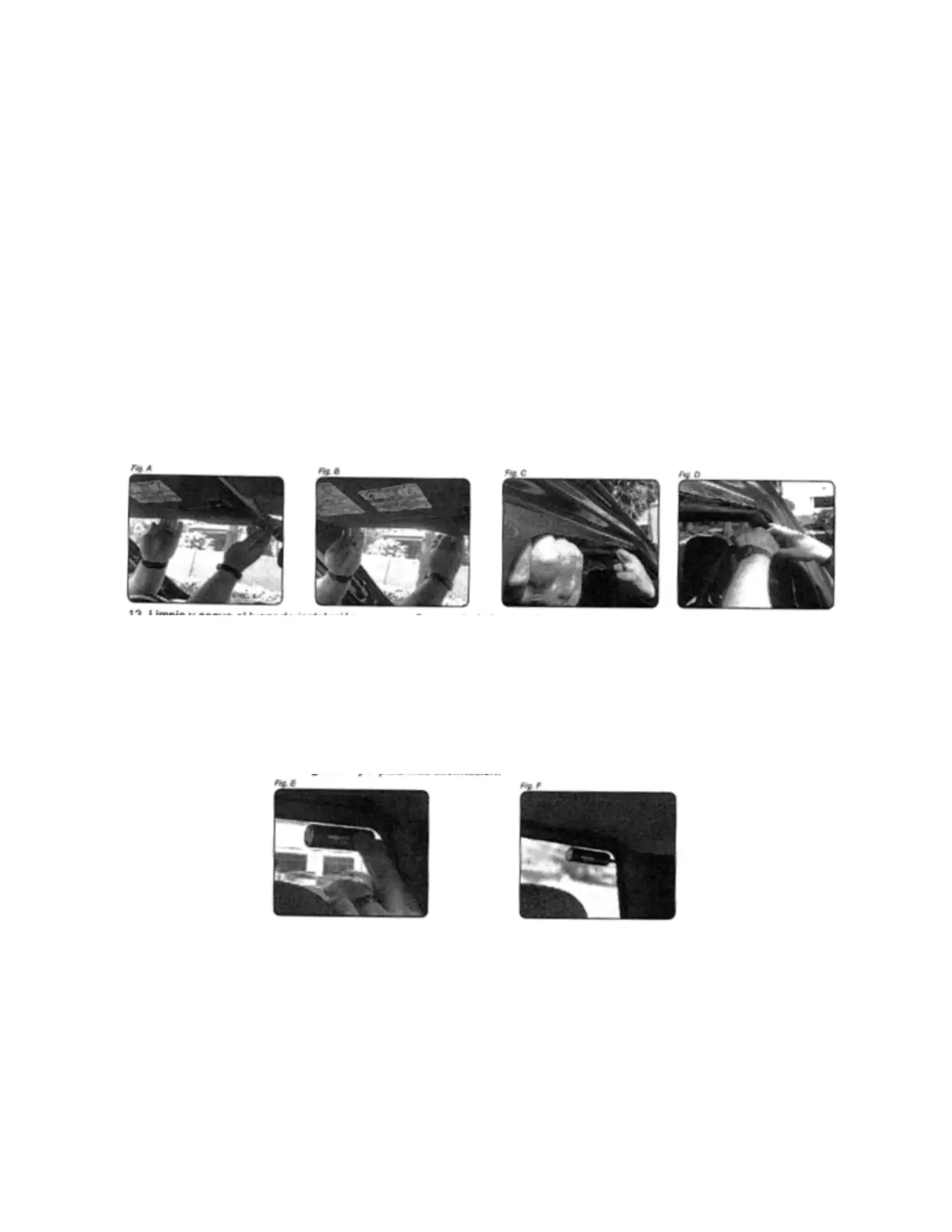
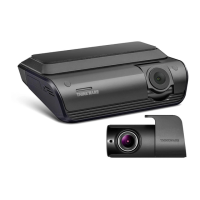
1. Using!the!above!techniques,!insert!and!route!the!cable!through!the!casing!from!the!
front!camera!to!the!mounting!position!of!the!rear!camera.!The!cable!will!have!a!label!
that!indicates!which!side!should!go!towards!the!front!of!the!vehicle.!See!the!slots!A!to!D!
2. Clean!and!dry!the!installation!place!with!a!cloth!before!placing!the!camera.!Place!the!
camera!in!the!rear!window!using!the!adhesive!provided!with!the!camera.!Remember!
not!to!place!the!camera!in!a!place!where!it!may!interfere!with!the!rearview!mirror.!It!
may!be!necessary!to!connect!to!the!dashboard!using!the!Thinkware!smart!phone!
application!to!verify!that!the!orientation!of!the!image!is!correct!and!that!the!entire!rear!
part!of!the!vehicle!enters!the!image.!See!figures!E!and!F!for!more!information.!
!!!!!!!!!!!!!!!!!!!!!!!!!!!!!!!!!!! !
3. Make!sure!that!all!vehicle!trimmings!removed!during!the!previous!steps!of!the!
installation!have!been!repositioned.!


 To Previous Page