6
Package Components
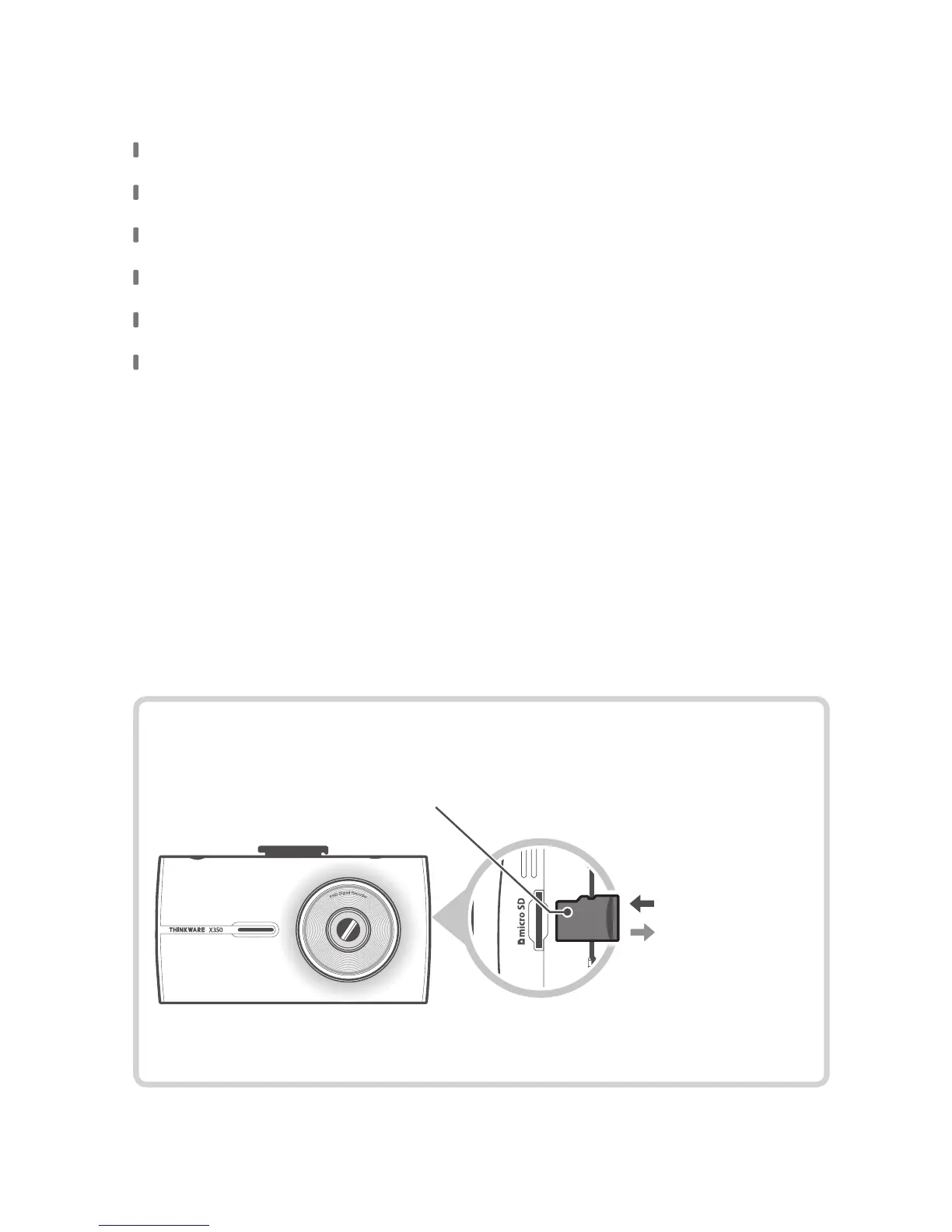
Inserting the Memory Card
Main Dash Cam Unit
Mount with 3M tape (1ea)
Car Charger
Adhesive Cable Holder (5ea)
MicroSD Memory card with adapter (consumable)
Quick Start Guide / Warranty / Customer Support Info /
User Manual (stored in the MicroSD card)
MicroSD card
Insert the MicroSD card into the
slot with the metal contacts facing
towards the back of the device and
push until it locks into place.
Gently apply force on
the MicroSD card until it is ejected
from the slot.
Insert
Remove



 To Next Page