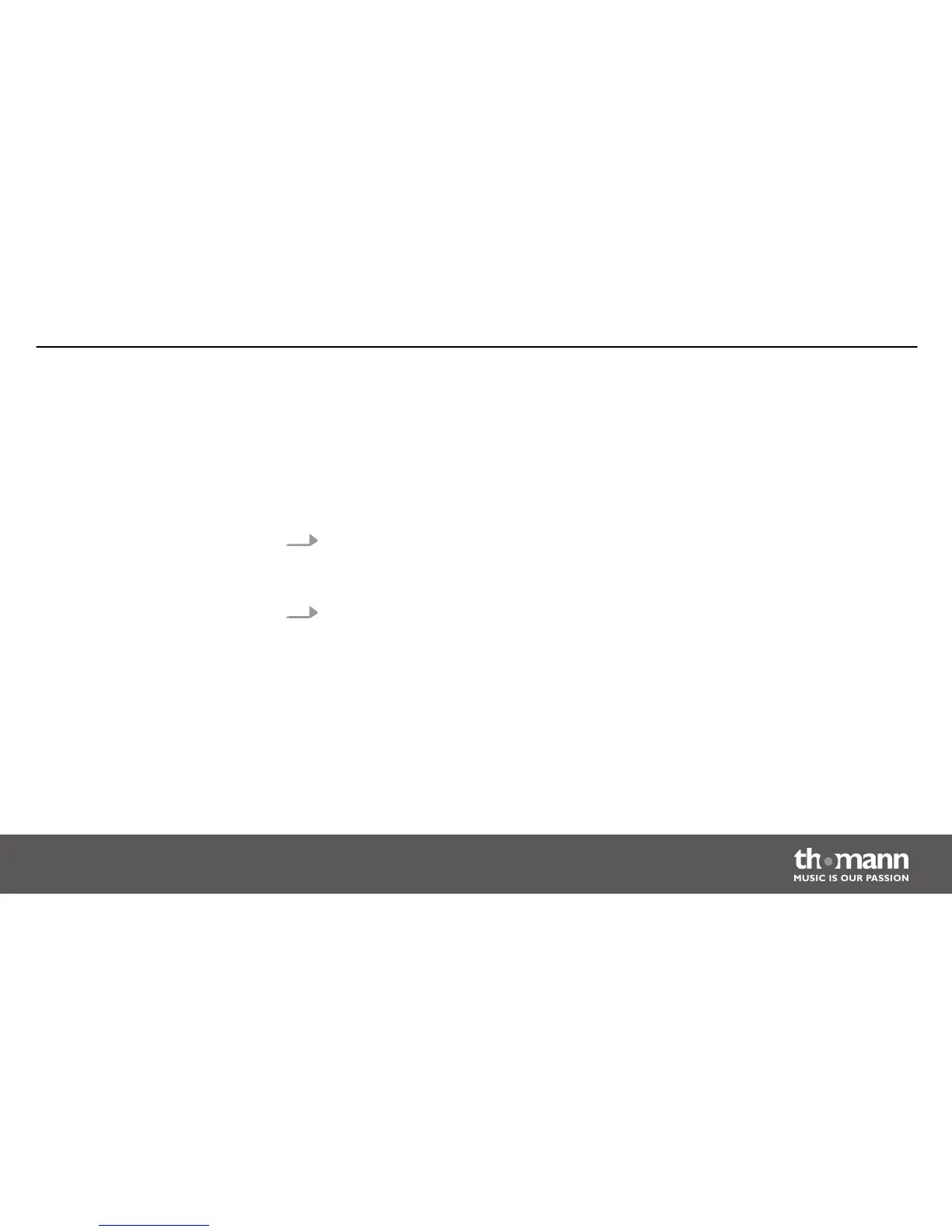
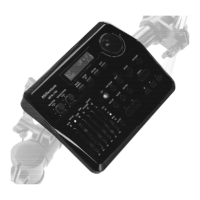
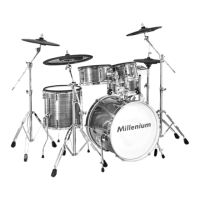
To set the volume, hit a pad while slowly turning the [volume] control clockwise.
A drum kit is a compilation in which each trigger is assigned to a certain sound and several
sound parameters. By selecting a drum kit, you can tailor the sound of your e-drum kit in sec‐
onds to the desired style of music. In addition to the 20 preset drum kits, you can create and
save 10 user drum kits (see
Ä
Chapter 10.2 ‘Kit list’ on page 44).
1. Press the [kit]button.
ð
The display shows the current kit number and the KIT-LED to the right of the first
display digit lights up.
2. Use the [–] and [+] buttons to select the desired kit.
Press the [click] button to turn the Click function on or off. The indicator LED (9) of this button
is lit when the click is turned on.
Use the [–] and [+] button to change the click volume. For this purpose, keep the [click] button
pressed.
Adjusting the volume
Selecting a drum kit
Click function
Operation
MPS-200
21


 To Next Page