3. Press the [save] button again to save your user kit as the desired number. To cancel the
storage process, press the button [voice/volume].
Any unsaved changes are discarded when you turn the drum module off.
6.4
Adjusting pad settings
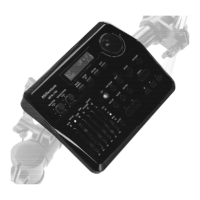
You can adjust the touch sensitivity of each pad via the drum module.
1. Press the buttons [kit] and [voice/volume] simultaneously.
ð
The display shows the current touch sensitivity in ‘Exx’ format.
2. Press the button of the pad whose touch sensitivity you want to change. Alternatively,
you can directly activate the pad by playing it.
Touch sensitivity
Operation
MPS-200
29


 To Next Page