6.3
Creating drum kits
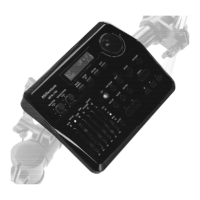
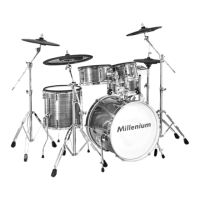
The 215 pre-installed voices of the drum module can be freely programmed to the connected
pads. In other words, you can create your own drum kits and store them in the unit. The fol‐
lowing sections describe how to create your own kits.
To programme a certain voice to a pad, please proceed as follows:
1. Press the [voice/volume] button.
ð
The display indicates the current voice number.
2. Press the button of the pad you want to programme a certain voice for. Alternatively,
you can directly activate the pad by playing it.
ð
The display shows the currently assigned voice. The indicator LED of the pad lights
up.
3.
Select the desired voice using the [–]/[+] button (see
Ä
Chapter 10.1 ‘ Voice list’
on page 38).
4. Repeat steps 2 to 3 to assign the other pads as desired.
Assigning a voice
Operation
MPS-200
27


 To Next Page