7 Operating
7.1 Turning on / o
Press the main switch [POWER] left in the operating panel to turn the device on and
o. All LEDs now briey ash.
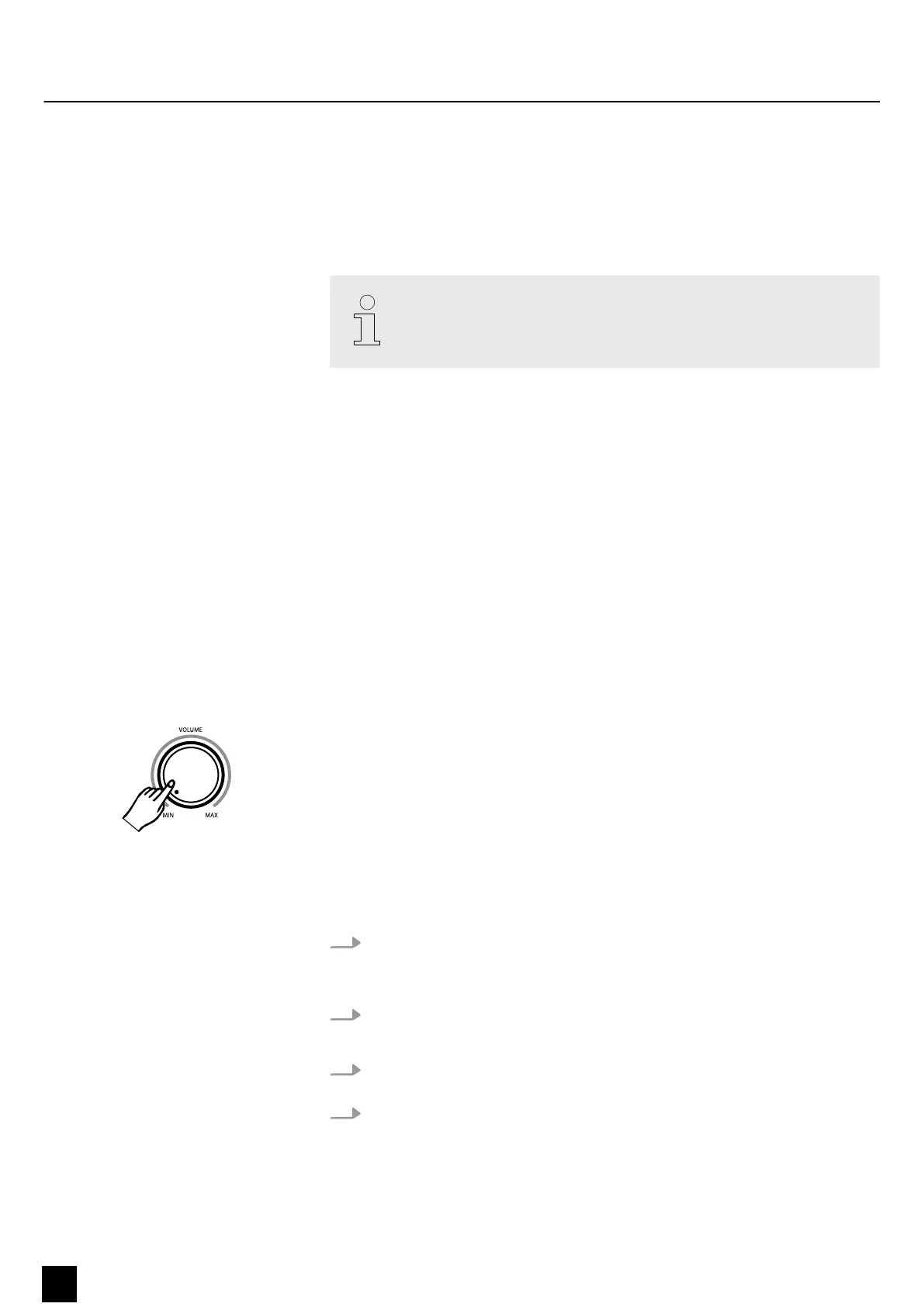
If you hear nothing coming from the speakers, the volume may be set to
‘minimum’. To increase the volume, turn the volume knob clockwise
7.2 Automatic shuto
When the digital piano is not being used for 30 minutes, it switches o automatically.
To turn it back on again, press the main switch [POWER].
First keep [METRONOME] and [TEMPO] pressed to enter Edit mode.
Press the piano key [Cis3] to enable or disable the automatic shuto. C3 sounds once
when the automatic shuto is enabled and twice when it is disabled.
Press [METRONOME] and [TEMPO] simultaneously to exit the Edit mode.
7.3 Adjusting the volume
Turn the [VOLUME] control to adjust a pleasant volume for playback and practising.
Turn the volume control clockwise to increase the volume. Turn it counter-clockwise
to reduce the volume.
7.4 Setting the touch sensitivity
With this function you can adjust the touch response of the keyboard at three levels.
1. Keep [METRONOME] and [TEMPO] pressed to enter Edit mode. The LEDs of the
two function buttons light up blue now.
ð
The LED of the button lights up.
2. Press [TOUCH] to activate the function.
ð
The LED of the button lights up.
3. Keep [F#1], [G#1] or [A#1] pressed to adjust the touch sensitivity according to
the table below.
4. The device automatically exits the edit mode.
ð
The LED of the button lights up.
Enable / disable automatic shuto
Operating
16
SP-320
Digital Piano



 To Next Page