12 Function button allocation
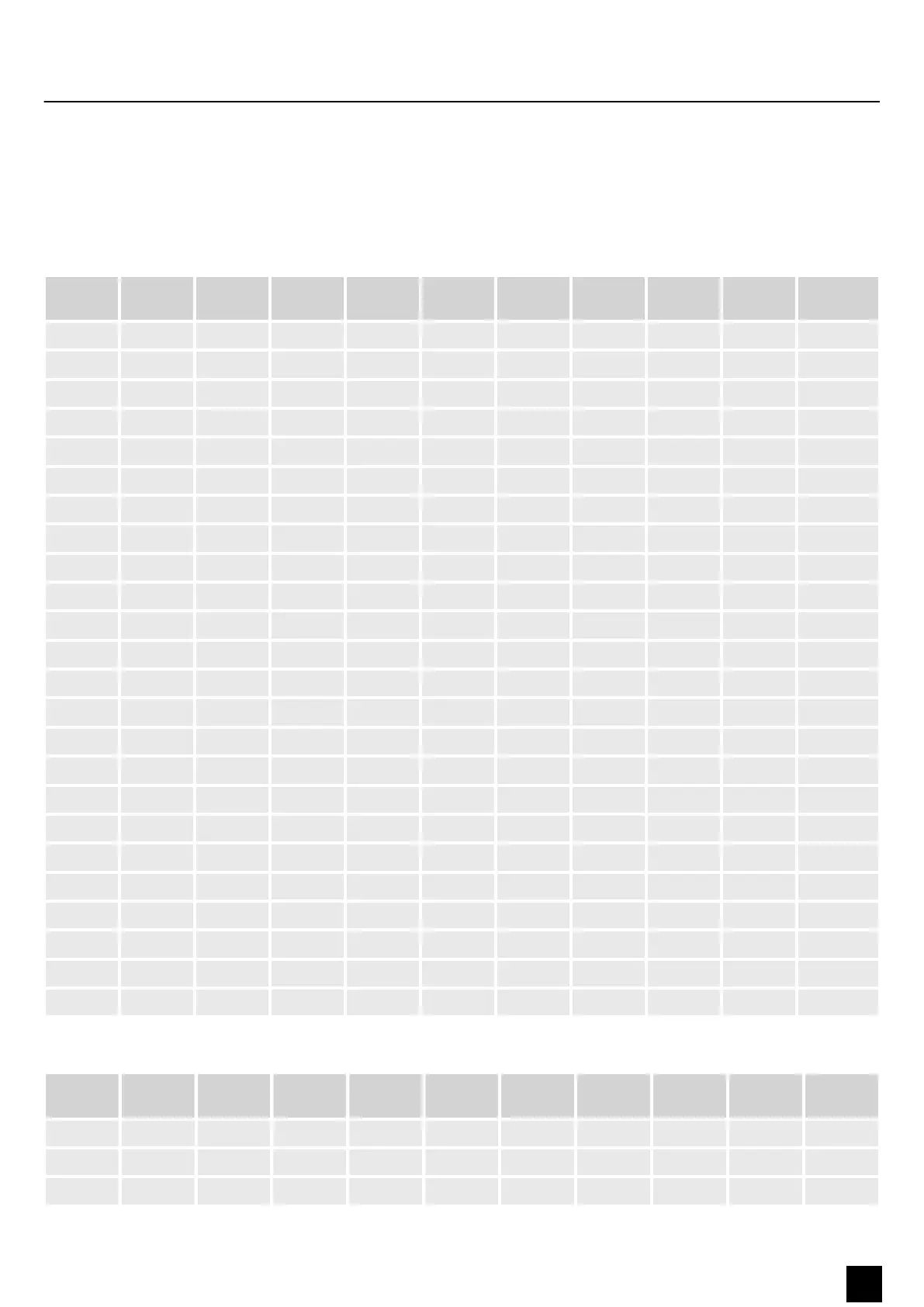
Select the value to be parameterised using the following table:
Tuning Voice
Vol
Layer
Vol
Metro.V
ol
Reverb
Vol
Chorus
Vol
Tempo Treble
EQ
Bass EQ Trans.
A-1 0 0 0 0 0 0 20 -12 -12 x
A#-1 3 2 2 2 2 2 24 x x x
B-1 5 4 4 4 4 4 28 -11 -11 x
C0 8 6 6 6 6 6 32 -10 -10 x
C#0 10 8 8 8 8 8 36 x x x
D0 13 10 10 10 10 10 10 40 -9 -9
D#0 15 12 12 12 12 12 44 x x x
E0 18 14 14 14 14 14 48 -8 -8 x
F0 20 16 16 16 16 16 52 -7 -7 x
F#0 23 18 18 18 18 18 56 x x x
G0 26 20 20 20 20 20 60 -6 -6 x
G#0 28 22 22 22 22 22 62 x x x
A0 29 24 24 24 24 24 64 -5 -5 x
A#0 31 26 26 26 26 26 66 x x x
B0 32 28 28 28 28 28 68 -4 -4 x
C1 33 30 30 30 30 30 70 -3 -3 x
C#1 35 32 32 32 32 32 72 x x x
D1 36 34 34 34 34 34 74 -2 -2 x
D#1 37 36 36 36 36 36 76 x x x
E1 38 38 38 38 38 38 80 -1 -1 x
F1 40 40 40 40 40 40 82 0 0 x
F# 41 42 42 42 42 42 84 x x x
G1 42 44 44 44 44 44 86 1 1 x
G#1 44 46 46 46 46 46 88 x x x
Tab. 1
Tuning Voice
Vol
Layer
Vol
Metro.V
ol
Reverb
Vol
Chorus
Vol
Tempo Treble
EQ
Bass EQ Trans.
A1 45 48 48 48 48 48 90 2 2 ×
A#1 46 50 50 50 50 50 92 × × ×
B1 47 52 52 52 52 52 94 3 3 ×
Function button allocation
SP-320
27
Digital Piano



 To Next Page